
Our take
The idea of a launcher built specifically for people who find modern phones overwhelming is a good one and an underserved niche. The rating suggests the day-to-day experience doesn’t always match that ambition, whether from bugs or inconsistent behavior across devices, which matters even more for an app aimed at users who need reliability most.
About Easy Homescreen
Simplify your phone. Organize your life.
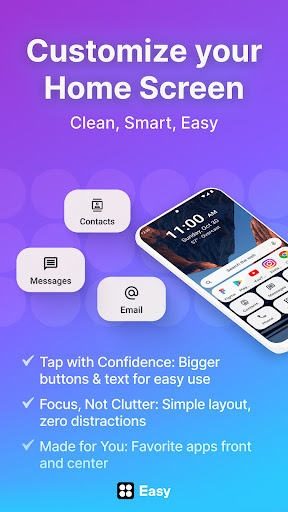
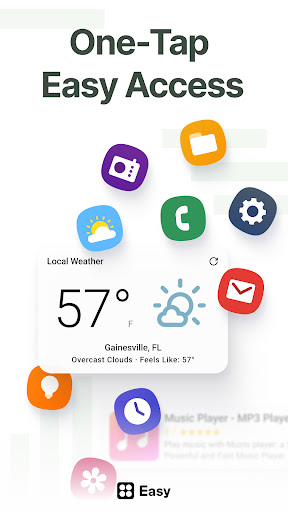
Looking for a home screen launcher to help you focus and yet personalize your phone? Easy Homescreen turns cluttered, complicated phones into clean, easy-to-use spaces. With oversized buttons, clear text, and smart personalization, it feels less like a device—and more like home.
Easy Homescreen is the ultimate custom home launcher for Android. With a clean UI interface, simplified controls, and advanced features like widget support, fonts, themes, and app hiding, it transforms your device into a calming, productive space.
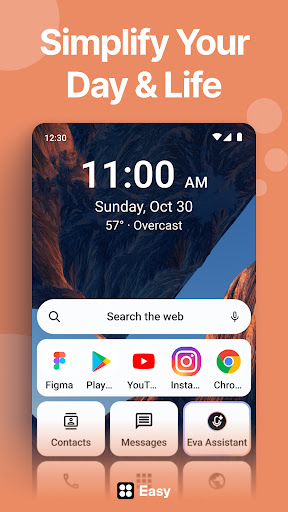
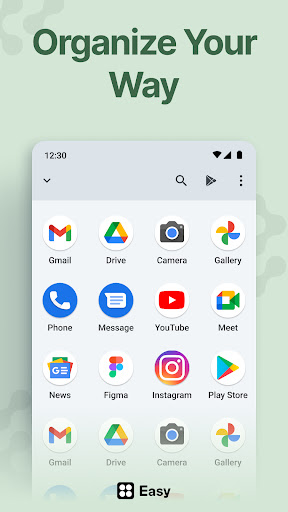
No more messy layouts or confusing icons. Organize your apps, conversations, and shortcuts with a minimalist home launcher that’s intuitive and beautiful. Our built-in home screen organizer keeps everything clean and easy to find.
Our mission is to reimagine the Android experience into something joyful, intuitive, and made for real life. We’re here to bring back the easy in Easy Homescreen. By putting control, comfort, and calm into every tap, we empower our users to feel confident and cared for every time they pick up their phone.
What makes Easy Homescreen different?
· Adapts to each user: Shows only frequently used tools, hiding the rest
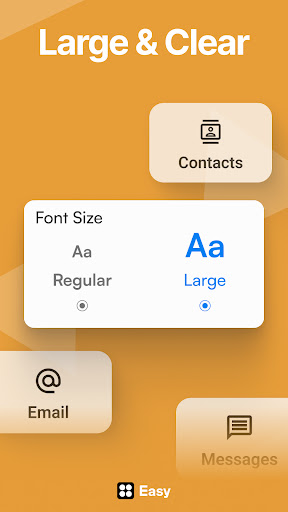
· Accessibility-first design: Large fonts, large buttons, easy typing
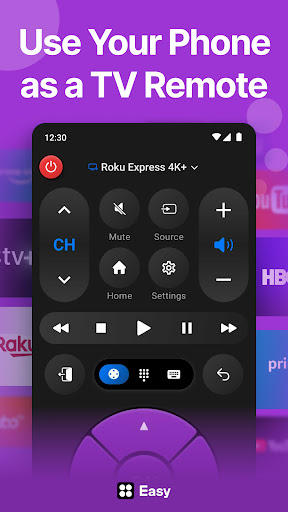
· Built-in essentials: Universal remote, weather app, large keyboard
· Minimal, calming UI: Designed to reduce digital noise and stress
· Trust and familiarity: Emphasizes user control and comfort
Customize Fonts, Themes & App Icons
Express your personal style with custom fonts, themes, and app icon options. Whether you’re going for bold, playful, or professional, Easy Homescreen adapts to your vibe. No more getting lost, no more tiny icons—just your favorite apps, tools, and utilities, all right where you need them. It’s your phone, finally made for you.
Easy to Read Your phone shouldn’t feel like a puzzle. Easy Homescreen replaces clutter and confusion with large text, big buttons, and t
Verdict: A thoughtfully targeted simplified launcher that hasn't quite nailed the execution its concept deserves.
Additional information
- Developer
- Homescreen Apps
- Updated on
- Jul 15, 2026
- Version
- 1.10.15
- Downloads
- 10,000,000+
- Content rating
- Everyone
- Requires Android
- 9
- Released on
- Jan 26, 2023
- Category
- Personalization
- Offered by
- Free (with ads / in-app items)