
Google Photos is genuinely good software for managing a photo library. The search works: searching for a word, a place, a person, or a type of object and having it surface relevant photos from years back is still impressive in practice. Face grouping across thousands of images without requiring tagging is the kind of feature that’s hard to appreciate until you try doing it manually in any other app.
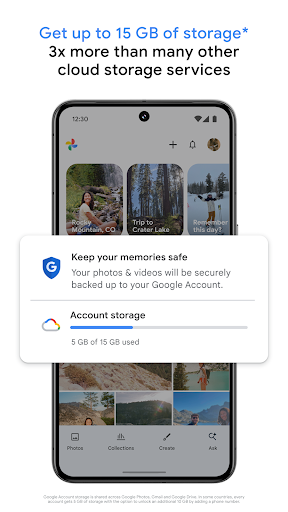
The product changed materially in 2021 when Google removed the unlimited free storage for original-quality photos. The library has grown substantially since then, and for anyone who accumulated photos before the cutoff, there’s a complex split between legacy storage and new uploads. The free tier now shares with Google Drive and Gmail, which is more limited than what most heavy users need. Storage plans through Google One are reasonably priced but add a recurring cost that didn’t exist before.
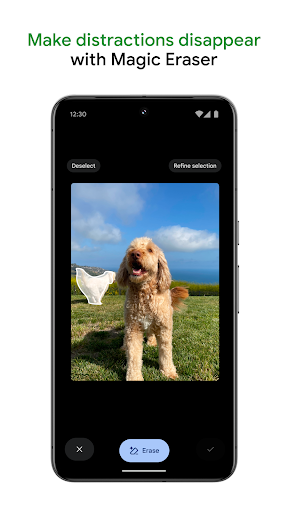
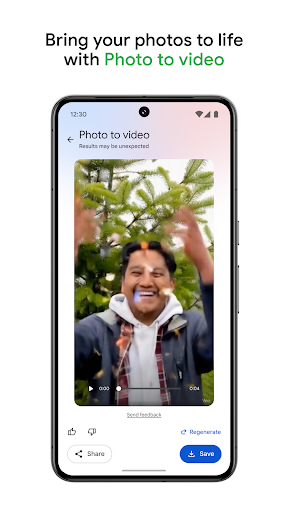
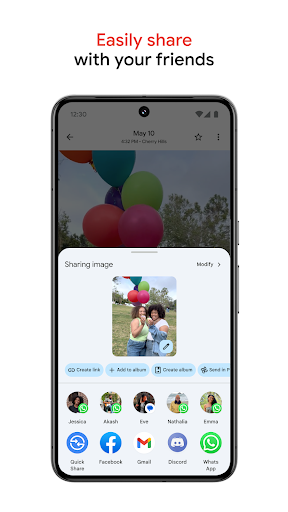
The editing tools are solid for a photo management app: basic adjustments, portrait blur, video stabilization, and the Magic Eraser and Photo Unblur AI tools (available on Pixel devices and via Workspace plans) are genuinely useful rather than gimmicks. Sharing albums and collaborative libraries work well across Android and iOS.

Verdict: The best photo management app on Android, with search and AI tools that outclass local alternatives, but the 2021 storage policy change made the cost of long-term use real.