

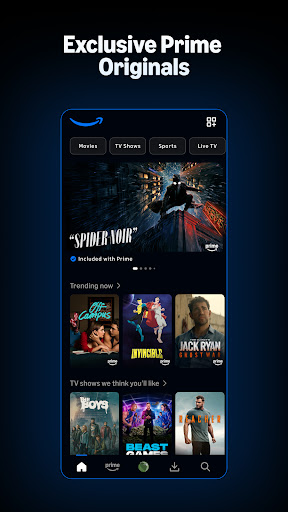
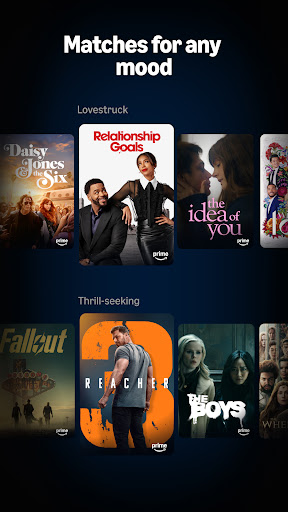
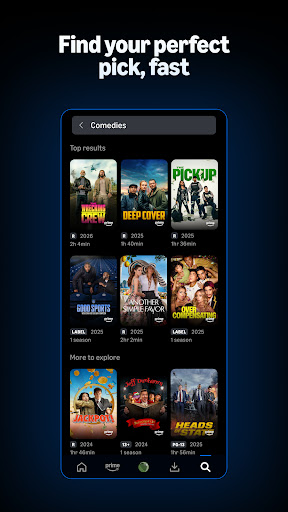
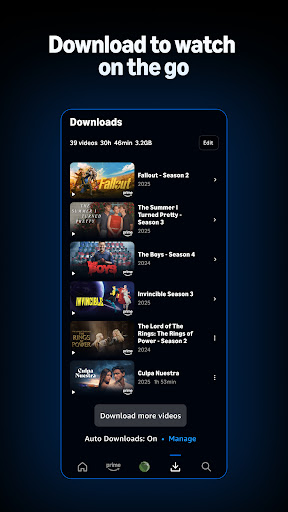
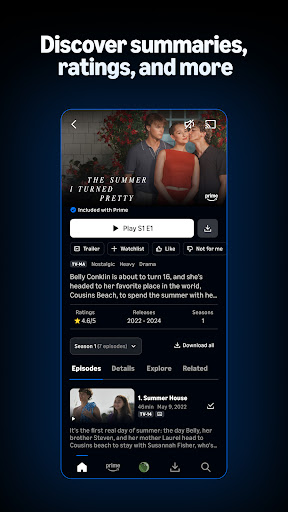
Prime Video’s Android app handles the basics well. Playback quality is strong, offline downloads work reliably for travel, and the content library spans movies, TV, and live sports in one place. X-Ray, which surfaces cast and song information during playback, is a genuinely useful feature that competitors lack.
The interface suffers from a persistent problem: not everything shown on the home screen is included in your Prime subscription. Rentals and add-on channel content are mixed into the feed without consistently clear labeling, which creates friction and occasional frustration when content requires an extra purchase. Navigation to specific titles through deep menus takes more steps than it should.
For Prime subscribers, the app earns its place. The content volume justifies it. The UI clarity issues are real but livable.

Verdict: A capable streaming app for Prime subscribers, undermined mainly by an interface that blurs the line between what you've paid for and what costs extra.