

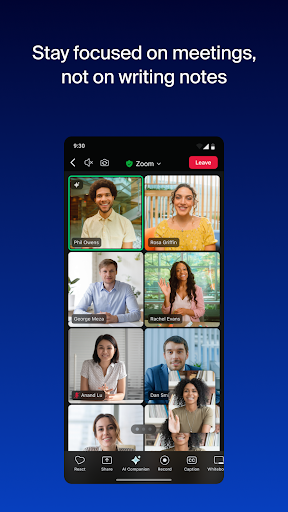
Zoom’s Android app does the hard part reliably: audio quality is good, the breakout rooms and screen share features work on mobile in ways competing apps still struggle with, and joining a meeting with a link requires no account setup. For anyone who lives in Zoom meetings, the app is a necessary tool and it handles that need competently.
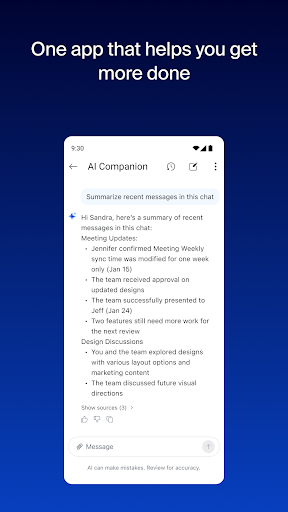
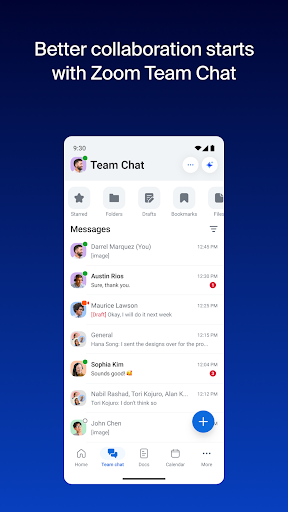
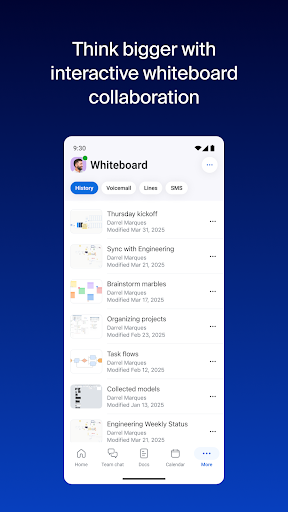
The ‘Workplace’ rebranding reflects Zoom’s push toward Slack-like persistent messaging and AI summarization, which adds interface weight for users who just want video calls. The home screen now surfaces chat, whiteboards, and AI features that most mobile users will never touch. Background blur and AI features work adequately but perform inconsistently on mid-range hardware.
For the core meeting use case it’s solid. The accumulation of features around that core is starting to feel like a different product trying to share the same surface area.

Verdict: Still the most reliable mobile meeting app for business use, though its expanding feature set is starting to compete with its own simplicity.