


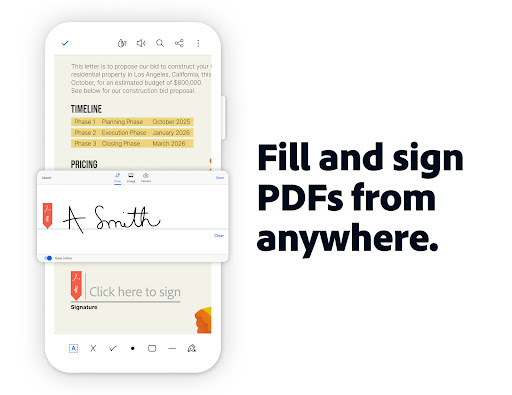
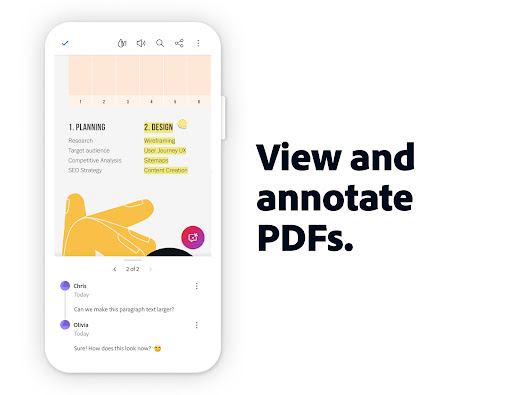
Adobe Acrobat Reader is the PDF standard on mobile and has been for years, and the core reading and annotation experience is hard to fault. Rendering fidelity is excellent across complex documents, form-filling works reliably, and the digital signature workflow handles both simple and compliant signatures without requiring a desktop. For anyone who regularly handles contracts, forms, or structured PDF documents on their phone, it’s genuinely indispensable.
The monetization model has become increasingly aggressive. A meaningful amount of functionality that was previously free — including some editing features — has moved behind Adobe’s subscription tier, which is priced at the higher end of the productivity app market. Features that feel like they should be core to a PDF reader, like combining files or exporting to Word, now require a paid plan. Storage is pushed heavily toward Adobe’s own cloud rather than letting users work from their local files.
As a PDF reader and lightweight annotation tool for free users, it remains excellent. As a full document workflow tool, the subscription cost needs to be weighed honestly against whether you need it specifically or whether a cheaper alternative handles your actual use case.

Verdict: The gold standard for PDF reading and signing on mobile, but check the subscription paywall carefully before committing to the full suite.





