
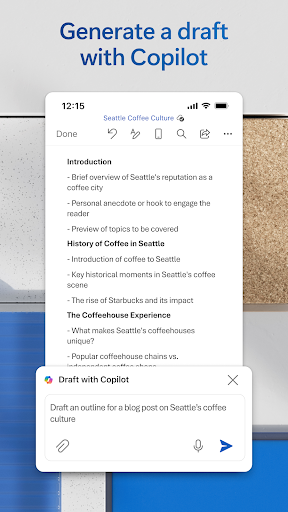
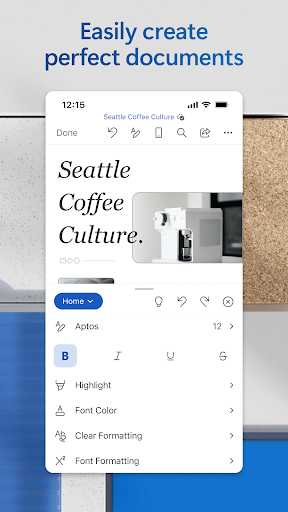
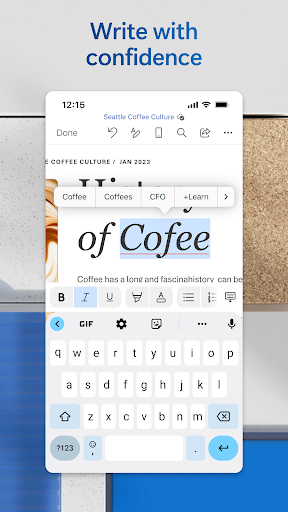
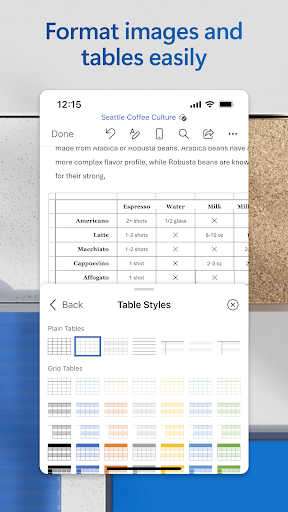
Microsoft Word on Android is a serious productivity app that genuinely earns its place on phones and tablets. For casual editing, commenting, and reading documents on the go, it’s hard to beat — the formatting tools are thorough, the font rendering is clean, and it handles complex .docx files without mangling them the way smaller apps tend to do.
That said, the free tier is more limited than the app store listing suggests. Anything beyond basic reading and light editing requires a Microsoft 365 subscription. The onboarding doesn’t make this clear upfront, so new users often hit a paywall partway through a task. The app also leans heavily on a Microsoft account, and sign-in friction is a real annoyance for people who just want to open a file their colleague sent.
Performance is solid on mid-range and above hardware, though large documents with tracked changes can slow things down noticeably. For anyone already in the Microsoft ecosystem — OneDrive, Teams, Outlook — this app slots in well. For everyone else, the value proposition depends almost entirely on whether a 365 subscription is already in the budget.

Verdict: A polished, reliable word processor for Microsoft 365 subscribers — but the free tier is thin enough to frustrate anyone without an existing subscription.