
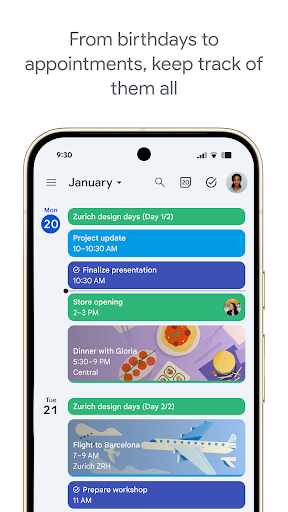
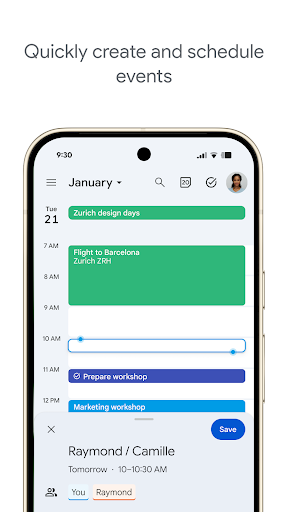
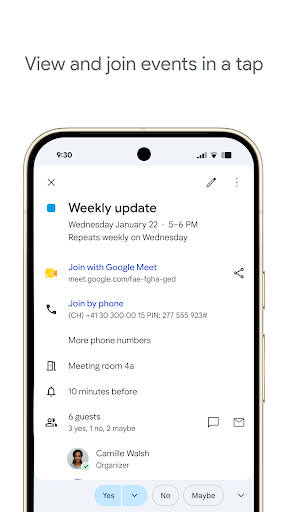
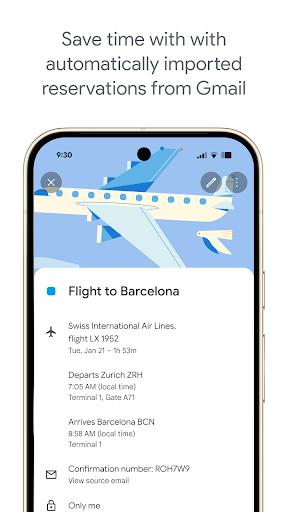
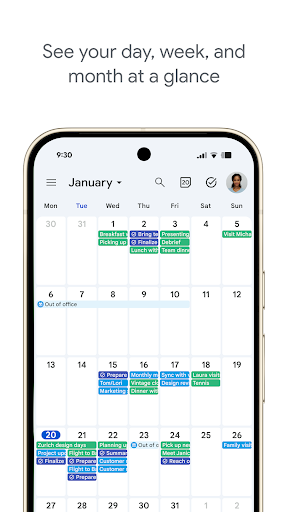
Google Calendar is the default choice for Android users and earns that status. Event creation is fast with smart text parsing, so typing ‘meeting Friday 3pm’ populates the right fields without manual entry. Calendar view toggling between day, week, and month is smooth, and integration with Gmail for automatic event detection is genuinely useful for travel bookings and confirmations.
The app’s weaknesses are mostly at the edges. Google Meet integration is tightly woven in, which feels redundant for users on other video platforms. Natural language task creation from the app surface is limited compared to dedicated task apps. Syncing third-party calendars works but can lag, and CalDAV setup for non-Google accounts has historically required workarounds.
For anyone already in the Google ecosystem, it’s near-perfect. Users juggling multiple providers or wanting a more neutral tool may find its Google-first assumptions a daily friction.

Verdict: The best calendar app for Google-ecosystem users and a strong default for everyone else, with minor rough edges outside that native context.





