
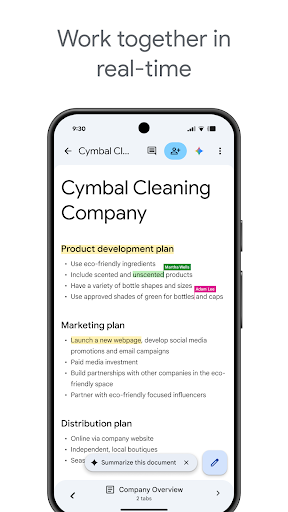
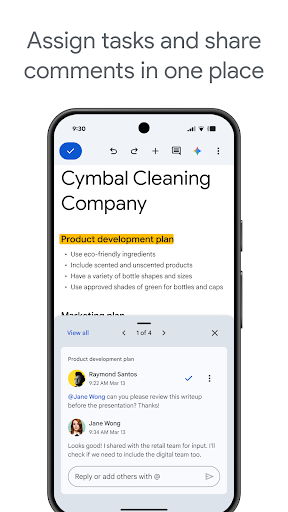
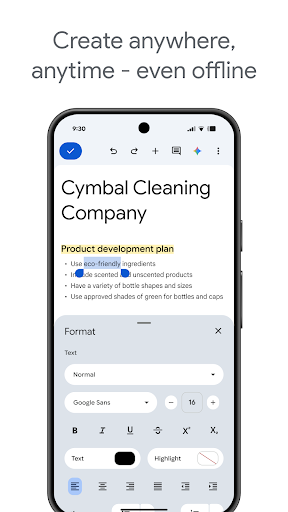
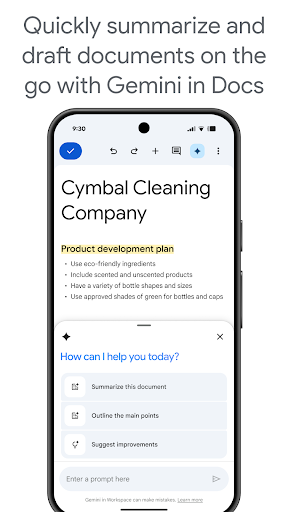
Google Docs on Android is one of the more impressive document-editing experiences on mobile, particularly if you work primarily in Google Workspace. Creating, editing, and collaborating on documents in real time with other users works reliably. Offline editing is solid as long as you’ve opened the document at least once on a connection. Voice typing integration via Gboard makes hands-free drafting practical in ways that other office apps haven’t matched.
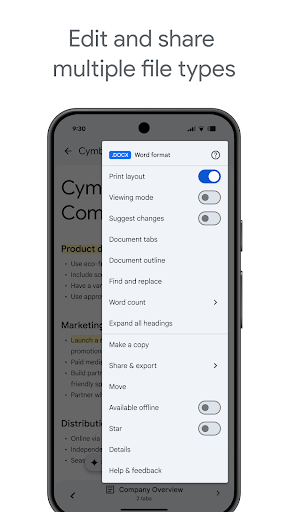
Formatting control is the persistent weak point. Complex layouts, tables with merged cells, or precise styling work are painful on a phone screen regardless of how good the app is, and Docs doesn’t escape that. You can feel the limits of what a touch interface reasonably allows for document authoring. If you’re opening a document with complex formatting from a desktop session, expect some rendering inconsistencies.
For anything from a simple note to a shared document that multiple people need to edit simultaneously, it’s the best tool in the category on Android. It’s a strong productivity app held to account only by what mobile document editing can realistically be.

Verdict: The best mobile word processor for Google Workspace users, delivering genuine collaborative utility even if complex formatting remains a touch-interface limitation.





