

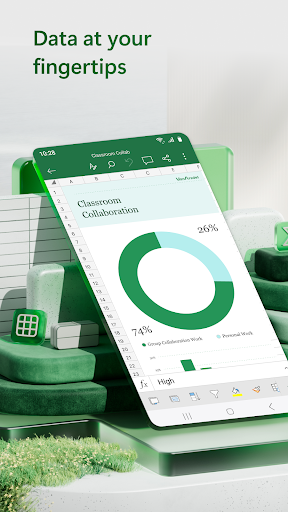
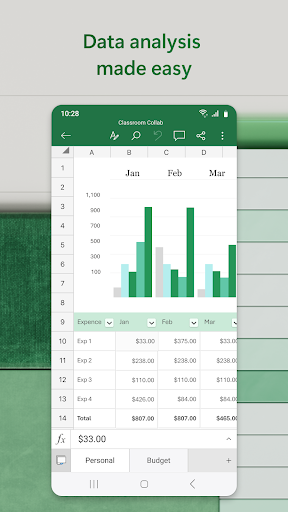
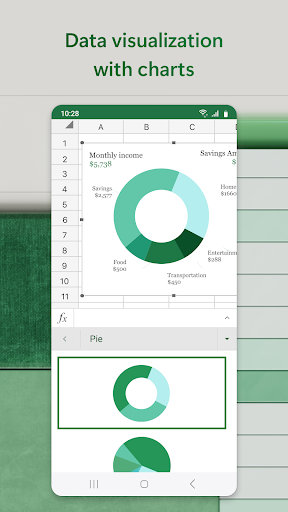
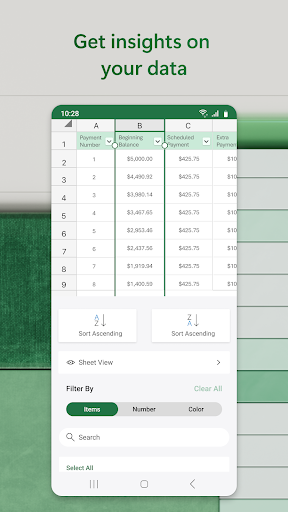
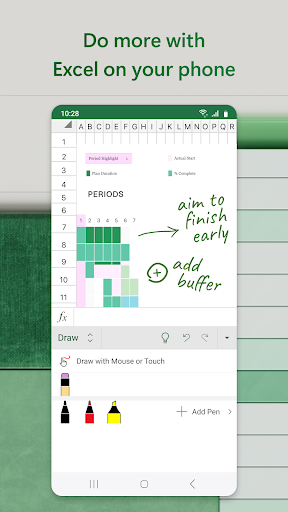
Microsoft Excel on Android has become a genuinely capable mobile spreadsheet tool, particularly since Microsoft leaned into the Copilot AI features that can generate charts and formulas from natural language prompts. For reviewing, editing, and building moderately complex spreadsheets on a phone or tablet, it’s the clear category leader and nothing else is close.
The limitations are real but mostly hardware-dependent. Complex formulas, large data sets, and multi-sheet workbooks are manageable on a tablet with a keyboard, but awkward on a phone screen where precise cell selection requires patience. Some advanced features — certain chart types, complex macros, Power Query — are restricted to the desktop version or require a Microsoft 365 subscription. The app itself is free for documents under a certain size; the subscription wall appears for anything approaching professional complexity.
For most users interacting with shared workbooks, reviewing data, or doing light data entry, it works without the subscription. For serious mobile-first spreadsheet work, 365 is necessary and worth it.

Verdict: The most capable mobile spreadsheet app available, though heavy users will need a Microsoft 365 subscription to unlock its full potential.





