

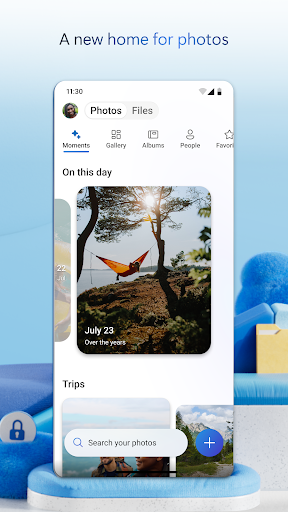
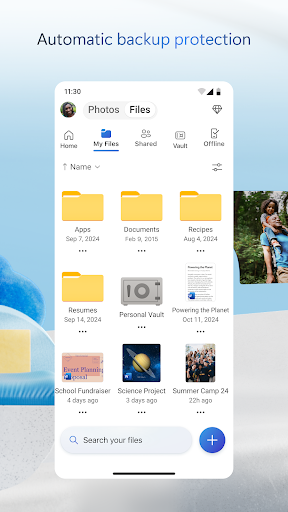
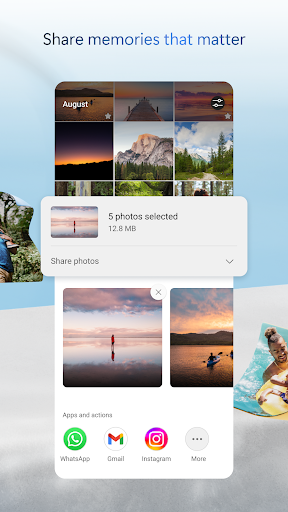

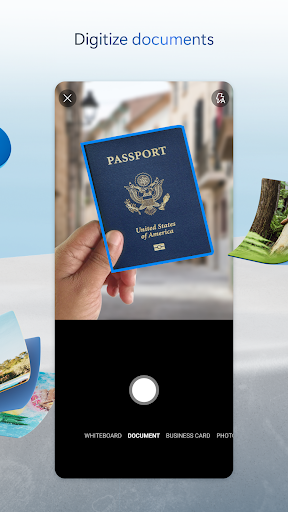
OneDrive on Android is a solid cloud storage client that earns its place for anyone already in the Microsoft ecosystem. Photo auto-backup is reliable, the integration with Microsoft 365 apps (Word, Excel, Outlook) is seamless, and the shared workspace features work well for people collaborating on Office files. The 5GB free tier is respectable, and Personal Vault adds an extra layer of protection for sensitive documents.
Outside the Microsoft ecosystem, the case for OneDrive over Google Drive or Dropbox is less compelling. The mobile app is occasionally slower to load folder contents than competitors, and the UI navigation across My Files, Shared, and recents can be unintuitive. The sync client can be overly eager about permissions requests on some Android versions. Microsoft’s pricing for storage expansions above 100GB is also tied to Microsoft 365 subscriptions in ways that can feel like bundling for bundling’s sake.
For Microsoft 365 users it’s the natural default and works well. For users outside that ecosystem, Google Drive is generally faster and more integrated on Android.

Verdict: The right choice for Microsoft 365 users who want their files and documents in one place, but not compelling enough to displace Google Drive for everyone else.





