

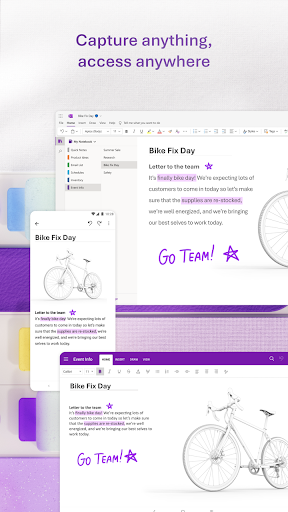
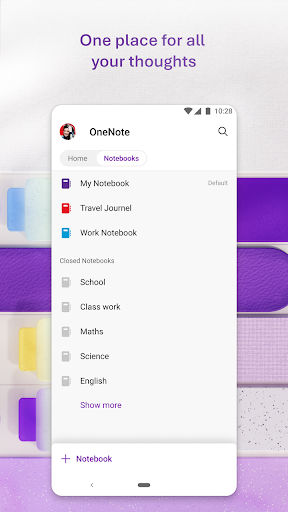

OneNote sits in an unusual position: it’s free, backed by Microsoft, and genuinely powerful for structured note-taking and organization. Notebooks, sections, and pages give it more hierarchy than most competitors. The cross-device sync via Microsoft account is reliable, and deep integration with the Office ecosystem makes it valuable if you’re already in that world. Handwriting support on stylus-equipped devices is a real strength.
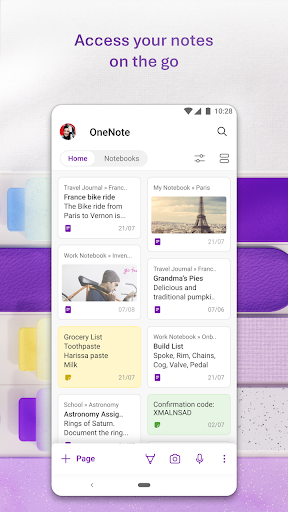
The Android app has historically lagged the desktop version in feature parity, and some users find the mobile experience inconsistent — certain formatting options are missing or behave differently, and image insertion and OCR features that work well on desktop are less polished on mobile. The app is also heavier than it needs to be for users who want quick capture without opening a full notebook hierarchy.
For Microsoft 365 users, OneNote is an obvious choice and integrates well into Teams and Outlook workflows. For users outside that ecosystem, the case is less clear. It’s a serious productivity tool, but the mobile experience doesn’t always match its ambitions.

Verdict: A powerful and genuinely free note app that shines in the Microsoft ecosystem but feels overheavy for casual mobile note-takers.





