

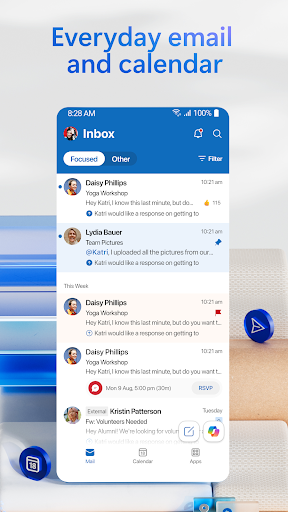
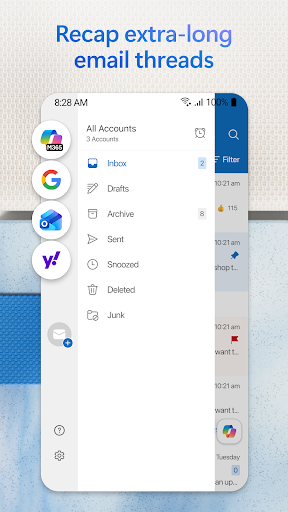
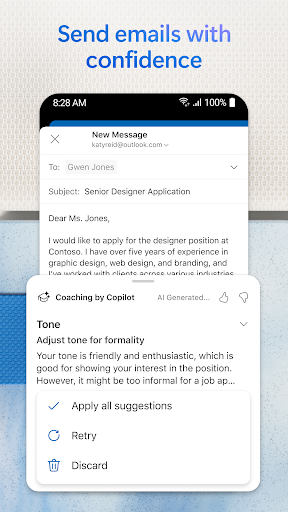
Outlook on Android has evolved from a capable email client into a full personal productivity hub that handles email, calendar, and contacts across multiple accounts simultaneously. The Focused Inbox feature works well once trained, and the calendar integration — seeing upcoming events directly in context with related emails — is one of the genuine quality-of-life improvements over stock Gmail or basic IMAP clients.
The app has grown heavy over successive updates. Cold launch times are noticeable compared to lighter alternatives, and battery impact in the background can be meaningful. Search is functional but not fast enough to replace a proper desktop client for power users who live in their inbox. The Teams integration, while logical on paper, adds UI weight that not everyone wants or needs.
For users working in Microsoft 365 environments, it’s the obvious default and genuinely well-integrated. For personal use where speed and simplicity matter more than cross-service cohesion, lighter email clients may serve better day-to-day.

Verdict: The best choice for Microsoft 365 users who need email, calendar, and contacts in one place, with a performance cost that casual users may not want to pay.





