Our take
On paper this covers everything you’d want from a PDF tool, but the developer name and description have the generic fingerprint of the dozens of near-identical PDF Reader Pro apps flooding this category. A 3.10 average at ten million installs means a lot of people hit ads, paywalls, or bugs the store listing doesn’t mention.
About PDF Reader, PDF Viewer
📘 PDF Reader, PDF Viewer – Read, Edit, Convert and Manage PDF Files
PDF Reader, PDF Viewer is an all-in-one PDF reader, PDF viewer, PDF editor, PDF converter and PDF scanner for Android. Open PDF files with a fast PDF opener, view documents, edit content, convert files, scan documents and manage PDFs with ease.
Whether you’re reading study notes, reviewing business documents, opening eBooks or managing office files, this PDF reader provides everything you need to stay productive.
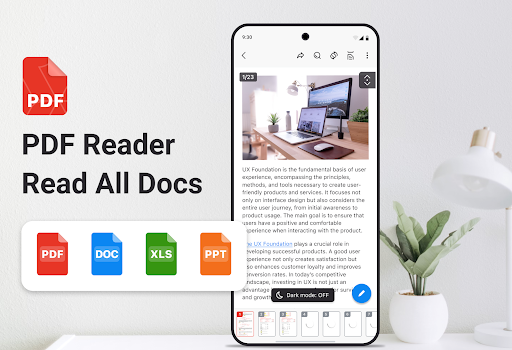
📖 Fast PDF Reader & PDF Viewer • Open PDF files with a high-quality viewer. • View PDF documents with smooth scrolling and clear rendering. • Zoom in and out for comfortable reading. • Jump directly to any page for quick navigation. • Search text inside PDF files in seconds. • Read contracts, reports, manuals, study materials and eBooks easily.
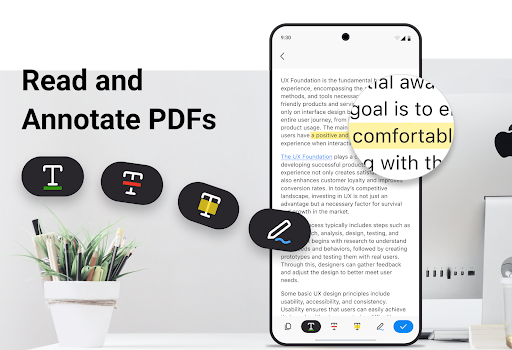
✏️ PDF Editor & Annotation Tools • Edit PDF documents and organize important information. • Annotate files with highlights, notes and markup tools. • Bookmark PDF pages for faster access. • Review business documents and study notes efficiently.
🔄 PDF Converter • Convert images to PDF and convert PDF documents to images quickly and easily. • Convert Word and Excel files into PDF documents. • Use an easy PDF converter for work, study and personal files. • Manage document conversion in one place.
📷 PDF Scanner & Document Scanner • Scan documents directly from your device. • Capture receipts, reports, forms and contracts. • Save scans as PDF documents instantly. • Auto scan and smart detection help create clear digital copies.
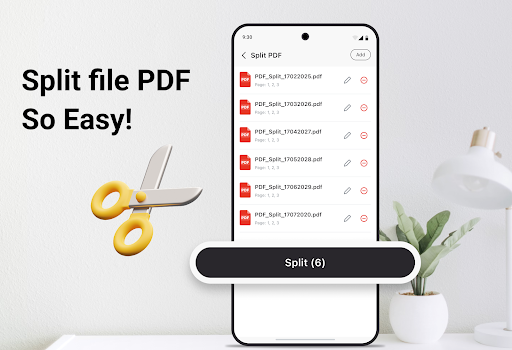
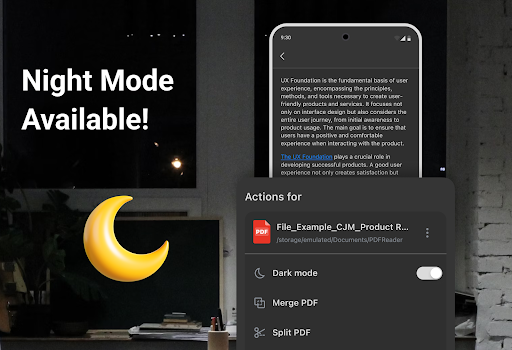
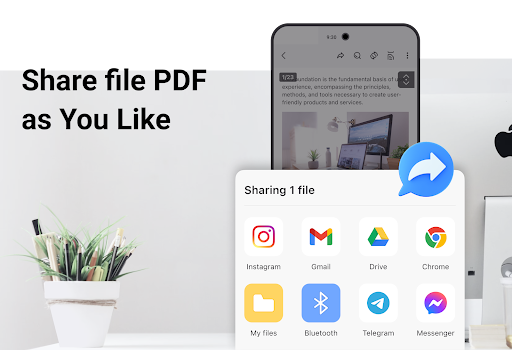
🧰 Essential PDF Tools • Merge multiple PDF files into a single document. • Split PDF files into separate pages. • Rename files and organize documents efficiently. • Share PDF documents through supported apps. • Organize PDF documents for work, study and daily use.
📂 Smart PDF File Manager • Manage PDF files in one organized location. • Sort documents by name, size or date. • Quickly find recently opened files. • Delet
Verdict: A feature-checklist PDF app whose low rating suggests the real-world experience doesn't match the pitch.
Additional information
- Developer
- Office Suite Pro
- Updated on
- Jul 9, 2026
- Version
- 1.7.9-Office
- Downloads
- 10,000,000+
- Content rating
- Everyone
- Requires Android
- 8.0
- Released on
- Apr 7, 2025
- Category
- Productivity
- Offered by
- Free (with ads / in-app items)



