

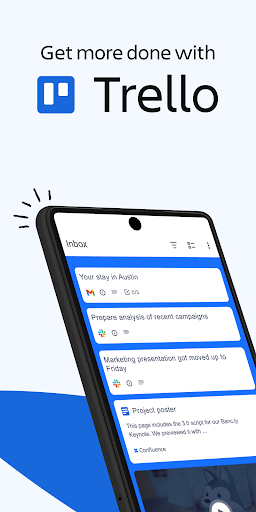
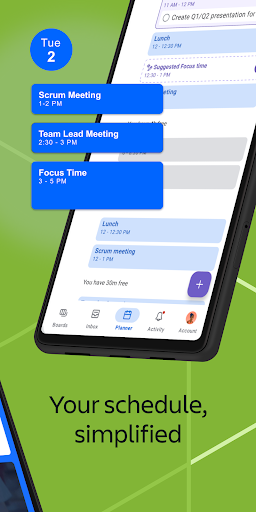
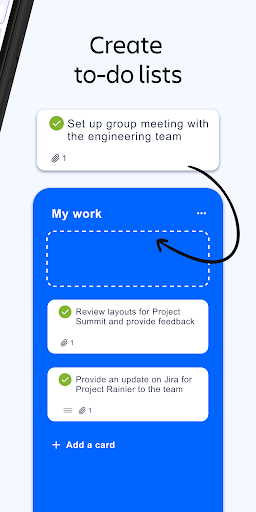
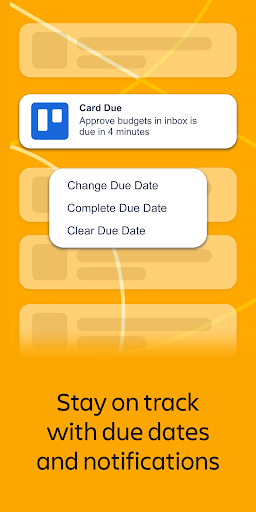
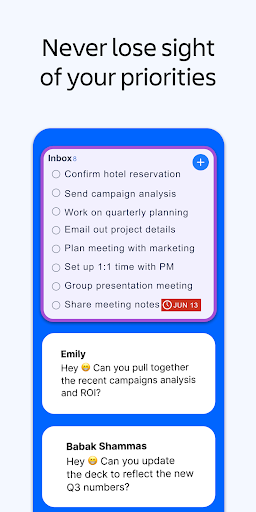
Trello’s card-and-board visual organization system remains one of the most intuitive ways to manage a list of tasks, and the mobile app translates that model to Android competently. Creating boards, moving cards through columns, and attaching checklists or due dates works without friction. For personal task management or small team projects, it covers the basics well and syncs reliably.
Atlassian’s acquisition has brought pricing changes and feature gating that many longtime users resent. Several features that were once free, including certain automation rules and board customizations, now sit behind paid tiers. The free plan is still functional for simple use cases, but the ceiling has dropped noticeably over the years.
For power users, Trello starts showing limits at the point where other project management tools begin: no native Gantt views, no time tracking, limited reporting. Teams that outgrow basic board management often migrate to Jira, Linear, or Notion. Trello is at its best as a simple, visual to-do organizer rather than a serious project management platform.

Verdict: A clean, easy-to-use visual task organizer that works well for simple projects but hits walls quickly for teams needing real project management depth.





