Our take
The core idea, a faster path to volume and sound settings, is a real modest utility. The marketing language oversells what any app can do to a phone’s physical speaker, and that gap between promise and physics is where these tools usually lose people once the novelty fades.
About Volume Control Sound Launcher
Do you sometimes wish your phone’s volume controls were easier to manage?
With Volume Control Sound Launcher, every sound - from your favorite songs to morning alarms - feels just right. This audio launcher gives you quick access to the tools you need for a smoother and more personalized sound experience.
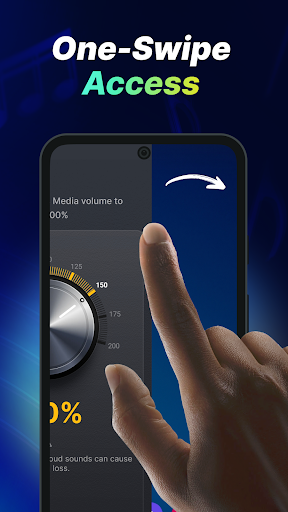
This launcher app puts all your essential volume settings just one swipe away, making it easy to increase volume, fine-tune your sound, and enjoy better control throughout the day. Whether you want a simple volume booster, clearer calls, or more balanced media sound, everything is easier to manage in one place.
Whether you’re enjoying music, watching videos, gaming, or taking calls, Volume Control Sound Launcher helps you create a more balanced and satisfying listening experience that fits your lifestyle. Use it as a sound enhancer for everyday phone use, to make music louder, or as a practical tool when you need faster access to your sound settings.
Please note: As a launcher app, the layout of your home screen may change after install. Don’t worry, all your apps are still on your phone - they just may be in a different location. To learn more, please visit our FAQ section: https://phonevolumecontrol.com/#faq
With a launcher app, you get the added benefits of:
🚀 One-swipe access Quickly adjust your device’s volume with just one swipe from your home screen.
📱Home screen widget See the time, weather, and more, conveniently on your home screen with our customized widget.
🖼️ Wallpaper Personalize your home or lock screen with a wide selection of beautiful themed wallpapers.
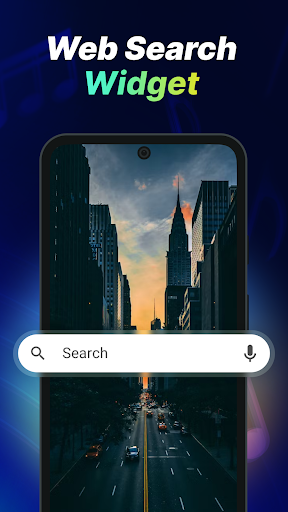
🔍 Multi-touchpoint search Apps and web search have never been easier. Search for installed apps or the web (powered by Yahoo) from multiple access points.
Here’s why you’ll love this free app:
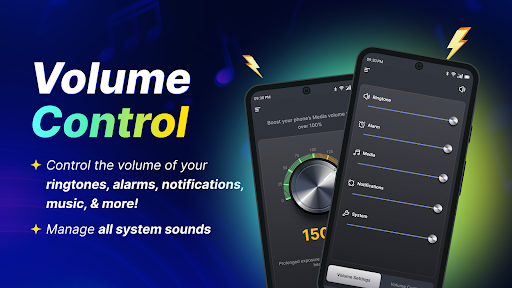
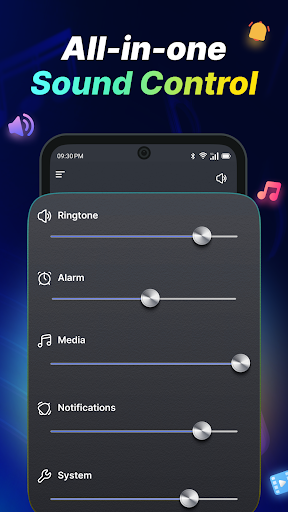
- Easily adjust volume for music, videos, calls, alarms, and notifications
- Manage all system sounds quickly from one convenient location
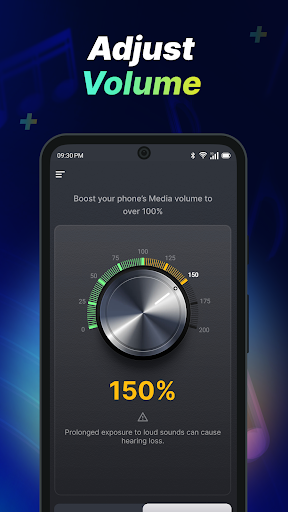
- Use smart controls designed for max volume, daily
Verdict: A convenience shortcut for phone audio settings, useful if stock Android's volume UI annoys you, not a miracle audio upgrade.
Additional information
- Developer
- AtomApplications
- Updated on
- Jul 6, 2026
- Version
- 1.10.0
- Downloads
- 1,000,000+
- Content rating
- Everyone
- Requires Android
- 10
- Released on
- Dec 3, 2025
- Category
- Tools
- Offered by
- Free (with ads / in-app items)