


Our take
Firefox earns its rating here. Tracker protection that works out of the box, real extensions, and a password manager put it ahead of most default phone browsers without asking you to become a privacy nerd first.
About Firefox Fast & Private Browser
The internet. As it should be.
Firefox is a fast, private browser built to protect you by default. It blocks common trackers automatically, helps keep your data secure, and lets you browse with more peace of mind—without extra setup or constant decisions.
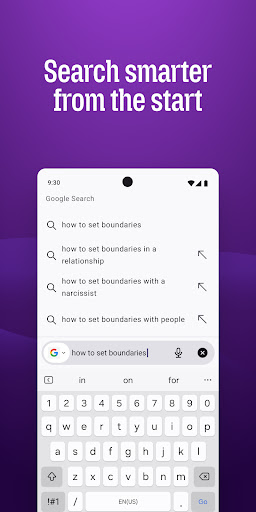
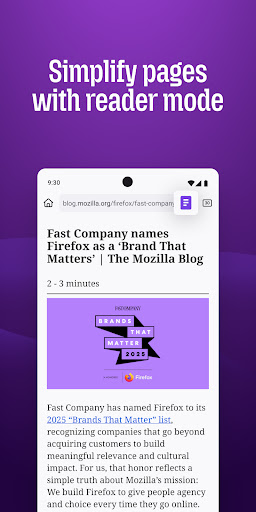
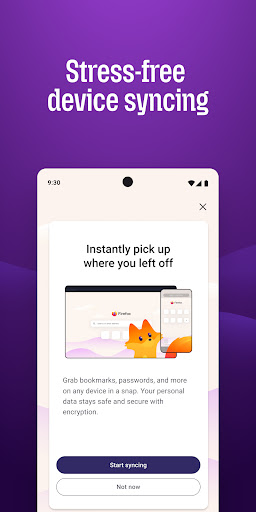
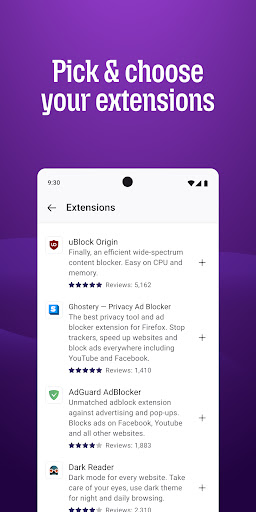
Why people choose Firefox: ✔ Enhanced Tracking Protection – Blocks trackers by default to help stop companies from following you across the web. ✔ Private browsing mode – Browse without saving your history, searches, or cookies. Private tabs lock automatically when you step away. ✔ Total Cookie Protection – Keeps tracking cookies limited to the site that created them, making cross-site tracking harder. ✔ Extensions – Add supported extensions like ad blockers and privacy tools to customize how you browse. ✔ Built-in password manager – Generate strong passwords, save them securely, and autofill logins when you need them. ✔ Flexible search options – Choose your default search engine or switch search engines right from the search bar. ✔ Reader Mode – Remove ads and clutter from articles so you can focus on what you’re reading. ✔ Sync across devices – Pick up where you left off with synced tabs, bookmarks, and passwords when you sign in to your Mozilla account.
Private by default Firefox is designed with privacy built in from the moment you start browsing. Enhanced Tracking Protection automatically blocks common background trackers, including social media trackers, crypto miners, and fingerprinters. Total Cookie Protection keeps your activity separated by site, making it harder for companies to build a profile of your browsing habits.
When you want extra privacy, private browsing mode doesn’t save your history, searches, or cookies. Private tabs lock automatically when you navigate away and require your fingerprint, PIN, or device security to unlock—helping keep what you’re doing private if someone else uses your phone.
Focus on what matters The web can be distracting. Firefox is designed to help you stay focused w
Verdict: The rare mobile browser that treats privacy as a default setting instead of a marketing line, and it's worth switching for.
Additional information
- Developer
- Mozilla
- Updated on
- Jul 16, 2026
- Version
- 152.0.6
- Downloads
- 100,000,000+
- Content rating
- Everyone
- Requires Android
- 8.0
- Released on
- Dec 21, 2010
- Category
- Communication
- Offered by
- Free (with ads / in-app items)