

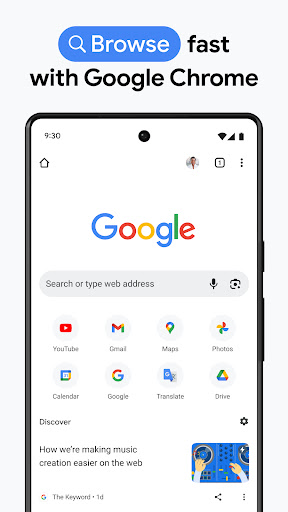
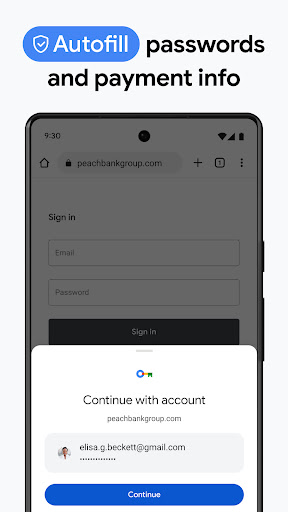
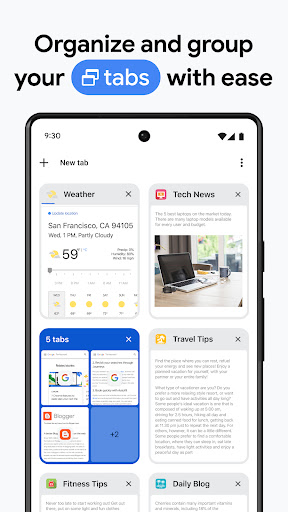
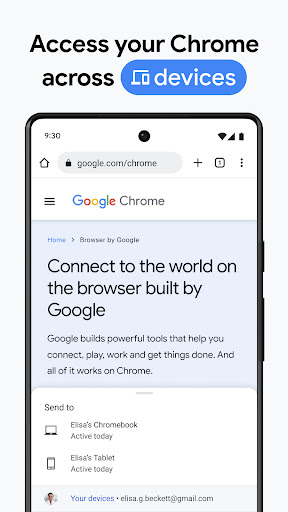
Chrome on Android is fast, syncs perfectly with the desktop browser if you’re in the Google ecosystem, and handles modern web standards reliably. Tab management with tab groups, the address bar search, and the Reading List are all genuinely useful. If you use Chrome on desktop, the handoff from desktop to mobile is seamless and the password manager integration works well.
The resource footprint is heavier than alternatives. Firefox and Brave consistently benchmark lower on RAM usage with similar page counts open, which matters on mid-range devices. Chrome also doesn’t ship with a built-in ad blocker, and while extensions are technically available on Android via desktop mode, the mobile browser has no first-class extension support. Sites with aggressive ad loads are slower and more battery-intensive in Chrome than in competing browsers with built-in blocking.
Privacy defaults lean toward Google’s business interests rather than the user’s. Sync is on by default and shares browsing data with Google, and the Safe Browsing feature in its standard mode sends URL information to Google’s servers. Enhanced Safe Browsing sends more. These are configurable, but the defaults favor data collection, and most users never change them.

Verdict: The best Android browser if you live in Google's ecosystem, but the lack of mobile ad blocking and data-collection defaults make privacy-conscious alternatives like Firefox worth a look.