
Our take
The After Call screen is the one idea here that actually solves a specific, real annoyance: needing to text someone right after hanging up on them. Everything else is standard SMS-app boilerplate that a phone’s default app already covers, and naming your app simply Messages doesn’t help it stand out in search or memory.
About Messages
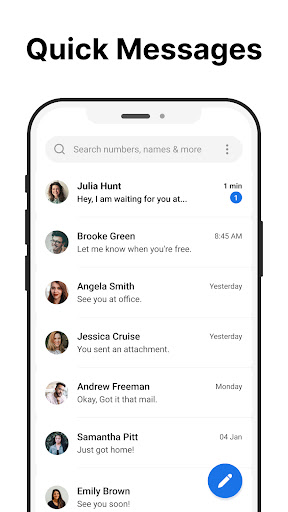
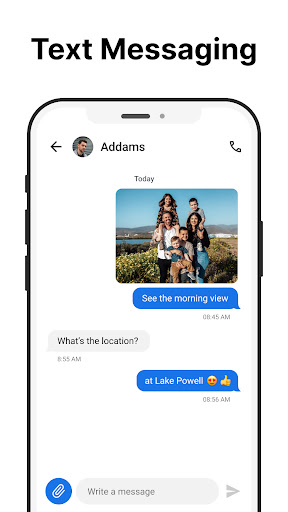
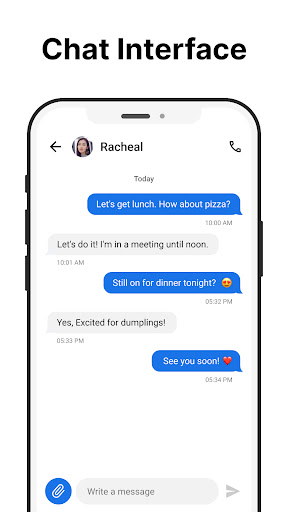
Messages is a simple, fast, and reliable SMS messaging app for Android. It allows you to send and receive text messages without needing an internet connection. With a clean and intuitive design, this app makes managing your communications easier than ever.
The Messages app includes an After Call screen that gives you quick access to your SMS inbox immediately after each phone call.
Key Features:
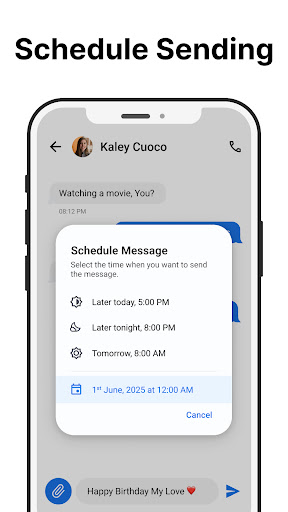
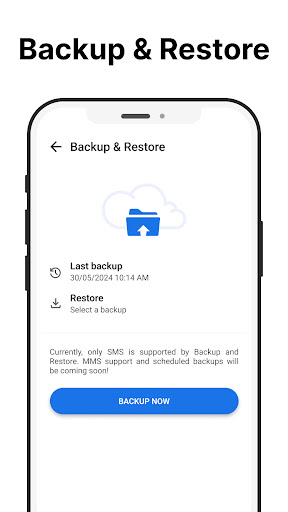
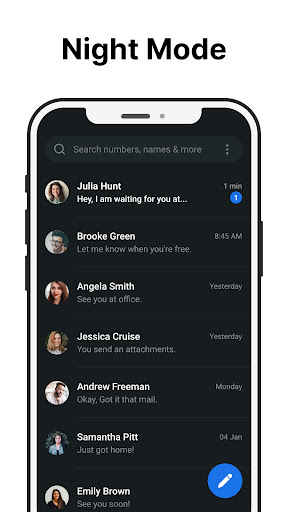
✔ Send and Receive SMS: Send and receive text messages quickly and reliably. ✔ Schedule Messages: Schedule text messages to be sent later, making it easy to manage your communication. ✔ Group Messaging: Stay connected by creating and managing group messages. ✔ Message Backup and Restore: Keep your important messages safe by backing them up and restoring them whenever needed. ✔ Spam Blocking: Block unwanted senders to prevent spam and keep your inbox organized. ✔ Search for Messages: Easily search through your messages to find important information. ✔ Custom Notifications: Personalize your notifications and ringtones to suit your preferences. ✔ Dark Mode: Save battery and reduce eye strain by using the dark theme. ✔ Pin Chats: Pin important chats to the top for quick access. ✔ After-Call Menu: Send quick messages directly from the after-call screen.
Why Choose Messages?
💬 Effortless Communication: Send SMS messages quickly and easily to stay in touch with friends, family, and colleagues. 🌐 No Internet Required: Unlike other messaging apps, Messages works without needing an internet connection. 🔄 Backup Your Conversations: Safeguard your messages with backup and restore options, so you never lose important information. 🎨 Customize Your Experience: Enjoy dark mode, custom ringtones, and other options to personalize your app. ❗ Privacy and Security: We value your privacy and never share your personal data without your consent.
Download Messages today and experience simple messaging on your Android device.
Important Information:
• Free to Use: Messages is completely f
Verdict: A functional SMS app with one genuinely clever feature, the after-call screen, buried in an otherwise forgettable, generically named package.
Additional information
- Developer
- SMS Text Messages
- Updated on
- Jun 22, 2026
- Version
- 1.56
- Downloads
- 5,000,000+
- Content rating
- Everyone
- Requires Android
- 7.0
- Released on
- Aug 17, 2023
- Category
- Communication
- Offered by
- Free (with ads / in-app items)