Our take
Edge on mobile is fine, but this listing sells the AI assistant harder than the browser itself. If you want Copilot woven into your browsing that’s a real reason to pick it; if not, it’s just another Chromium browser with extra security toggles.
About Microsoft Edge
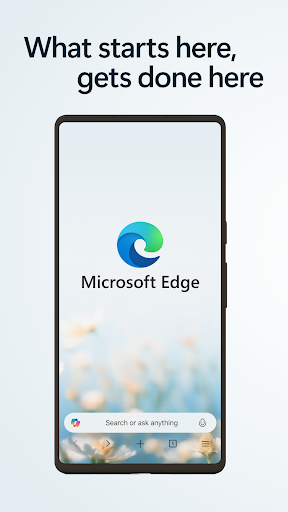
Browse with Microsoft Edge, your everyday web browser with built-in Copilot. From finding information to making sense of it, Copilot works alongside you to streamline everyday browsing, so you can turn ideas into action and get it done faster.
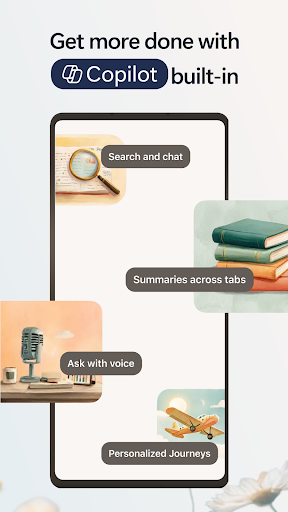
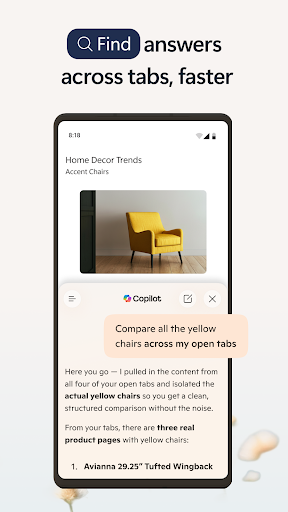
Copilot in Edge helps you search, browse, and explore, so you can make decisions faster with more confidence, all in one place. Summarize lengthy articles and videos, get answers about what you are browsing, and turn ideas into drafts or images – without breaking your flow. Whether you need a quick answer or deeper help, Copilot in Edge adapts to support how you work, right when you need it.
Stay safer with built-in security tools like tracking prevention, AdBlock Plus and Microsoft Defender Smartscreen. When you want extra privacy, switch to InPrivate mode to keep your browsing history protected.
Do more with less effort. With Microsoft Edge, everyday browsing is faster, more intuitive, and focused.
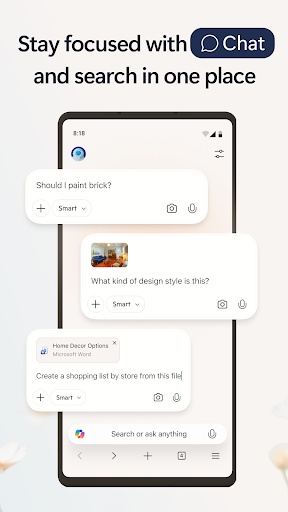
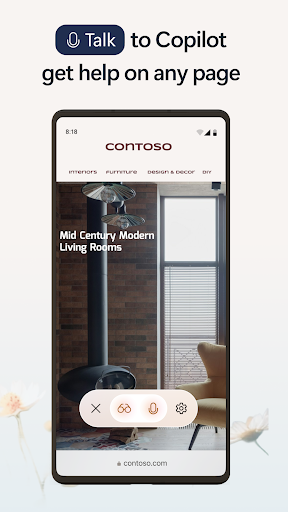
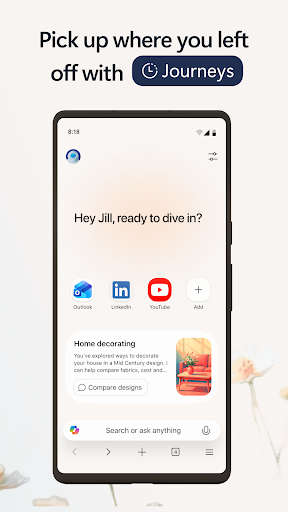
Explore the web effortlessly with Copilot built-in • The Copilot-inspired new tab page brings together Copilot with browsing. Now your queries will get routed to search, chat or web automatically – all in one place. • Copilot understands context across your open tabs, helping you compare information, summarize, brainstorm and connect ideas across pages, so you can move faster and make decisions with confidence without switching tabs. • Get help from what’s on your screen. With Vision, Copilot can scan, analyze, and brainstorm with you on the content you’re browsing. • Quickly summarize the content of the webpage, PDF or video you are viewing • Get the right level of help for the moment—quick answers when you’re moving fast, deeper insights when you need it.
Make the most of your time online • Microsoft Edge is a fast, reliable web browser designed to help you stay focused and get things done. • Listen to articles and pages with Read Aloud while multitasking, using natural sounding voices in your preferred language
Verdict: A capable mobile browser that's betting its identity on Copilot rather than raw browsing speed or UI.
Additional information
- Developer
- Microsoft Corporation
- Updated on
- Jul 12, 2026
- Version
- 149.0.4022.105
- Downloads
- 100,000,000+
- Content rating
- Everyone
- Requires Android
- Varies with device
- Released on
- Nov 29, 2017
- Category
- Communication
- Offered by
- Free (with ads / in-app items)