

Our take
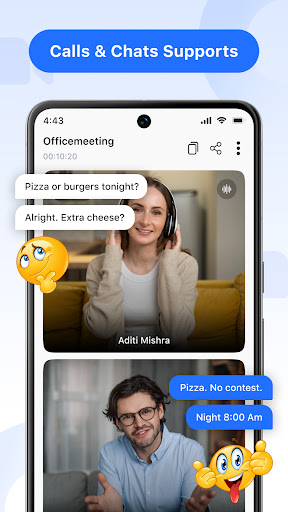
Nothing here reads as broken, host a call, join a call, share a screen, but nothing reads as necessary either. Apps like this tend to lean on ads and permissions to make money since the utility itself doesn’t differentiate, and the vague developer identity doesn’t inspire confidence for real work meetings.
About Video Meeting
Boost Your Productivity with Smarter Video Meetings 🎥💼
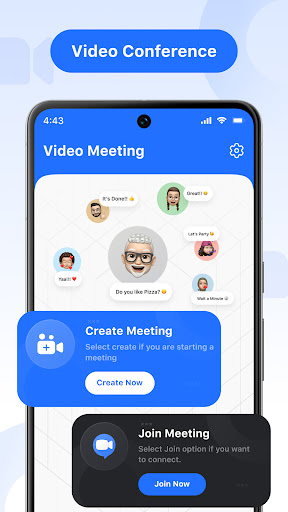
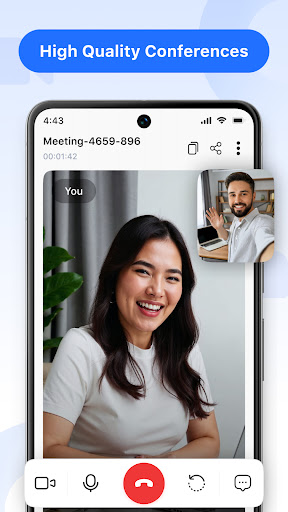
Experience seamless virtual communication with our advanced video conferencing app—built for effortless collaboration, crystal-clear HD video calls, and real-time team interaction. Whether you’re leading a business meeting, having a personal video chat, or sharing your screen for a project, our app makes every online connection feel smooth, secure, and productive.
After-Call Features Explanation:-
Our app includes a Smart After Call feature for faster meeting access. After a call ends, users can quickly create a new meeting or join an existing meeting from the After Call screen. This optional feature improves convenience and can be disabled anytime in app settings.
🌟 Highlighted Features: 📅 Host a Meeting Instantly – Launch your own video session and invite participants with ease.
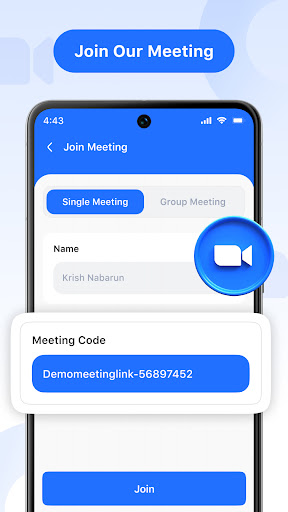
🔗 Quick Join – Enter meetings instantly using a shared link or secure code—no delays.
👤 One-on-One Chats – Enjoy focused private meetings with a single participant.
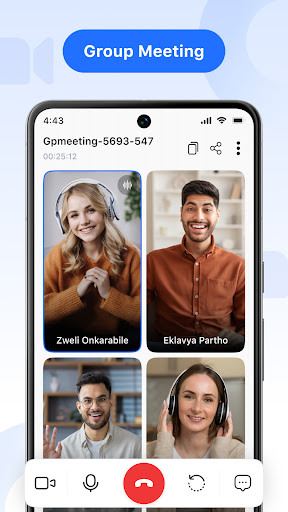
👫 Group Hangouts – Start friendly video calls with your contacts for social interaction.
🔐 Secure Code Invitations – Share a unique meeting code to ensure safe and quick access.
💬 Real-Time Chat – Communicate through instant messaging without interrupting the call.
🎙️ Audio Controls – Mute or unmute your mic effortlessly during any conversation.
🎥 Video Toggle – Show or hide your camera feed based on your comfort and privacy.
🖥️ Screen Sharing – Present documents, slides, or apps live with a single tap.
🚪 Easy Exit – Leave the meeting when needed without disruption.
🔚 End for All – Conclude the session for every participant with a simple click.
🌍 Multi-Language Support – Choose your preferred language and break communication barriers.
✅ Why Our App Stands Out: Designed for both professionals and everyday users, our platform delivers:
-
Flawless HD video & audio
-
Simple yet powerful UI
-
Private, encrypted access via codes
-
Flexible fo
Verdict: A functional but forgettable conferencing app that's hard to recommend over the free tools already on most phones.
Additional information
- Developer
- all contacts app
- Updated on
- Jul 1, 2026
- Version
- 9.0
- Downloads
- 1,000,000+
- Content rating
- Everyone
- Requires Android
- 6.0
- Released on
- Jul 1, 2025
- Category
- Communication
- Offered by
- Free (with ads / in-app items)