
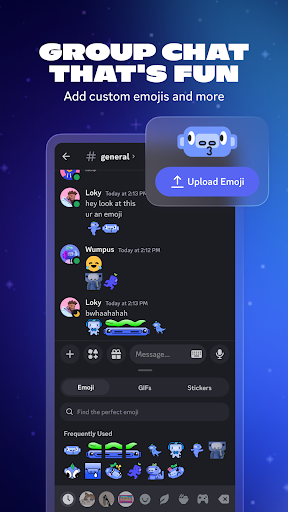
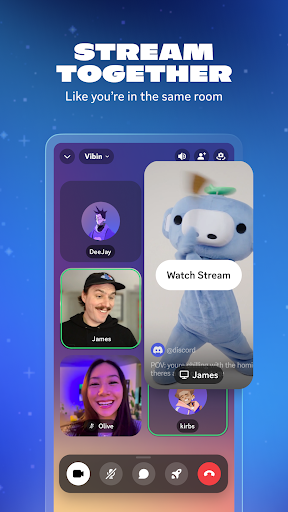
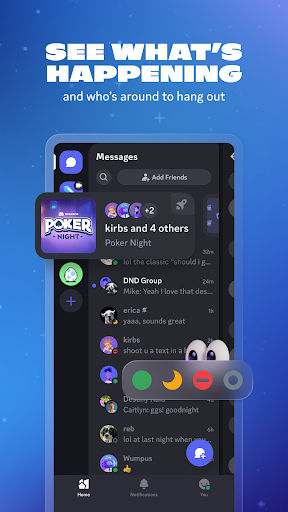
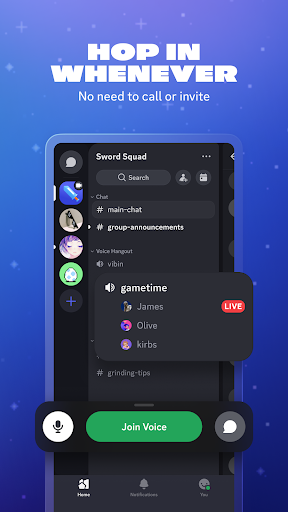
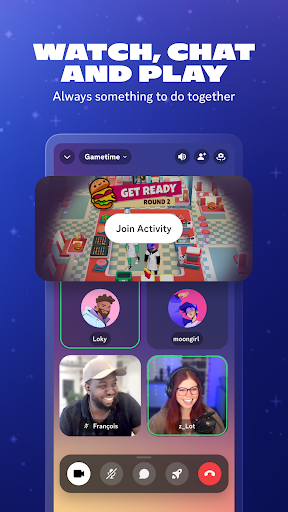
Discord on Android is a genuinely impressive mobile port of a platform that’s fundamentally better on desktop, and that tension defines the experience. Text channels, voice channels, server navigation, and DMs all work correctly, and the notification system is reliable in a way that some competitors aren’t. For gaming communities, there’s still no close alternative for organized server communication.
The mobile interface has gotten more cluttered with each update as Discord has pushed Nitro features, activity feeds, and discovery mechanics into a UI that was originally designed to be a clean chat client. Finding specific settings can be surprisingly cumbersome. Voice quality on mobile networks is generally good, but can degrade quickly on weak connections in ways that feel worse than competing VOIP apps.
For users already embedded in Discord communities, the mobile app is a functional extension of the desktop experience. For someone picking it up fresh on mobile-only, the learning curve and feature sprawl may feel overwhelming compared to simpler alternatives.

Verdict: The best-in-class community chat platform on mobile, though years of Nitro feature bloat have cluttered what was once a clean interface.