
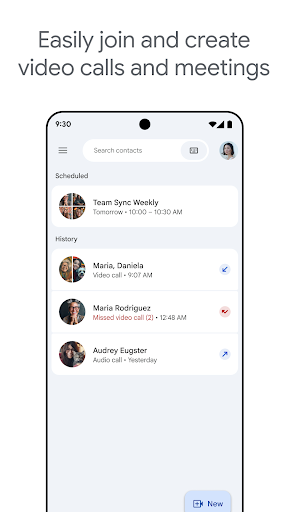

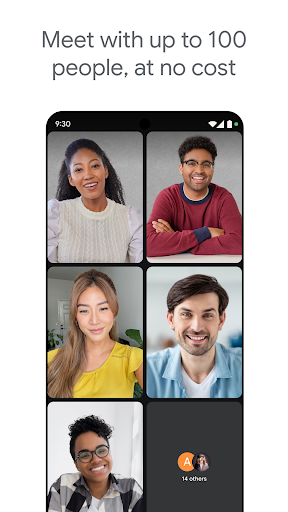
Google Meet has matured into a solid video calling app for both personal and professional use. The audio and video quality are reliable across a range of network conditions, the grid view handles large calls well, and the background blur and noise cancellation features work better than they used to. Integration with Google Calendar and Gmail makes scheduling and joining calls frictionless for people already in the Google ecosystem.
The free tier is generous — unlimited one-to-one calls and group calls up to 100 participants with a 60-minute limit. For most personal use cases, the free tier covers everything you need. The Workspace subscription unlocks longer meetings, more participants, and recording, which matters for business users but is irrelevant for casual video calls.
Meet has faced challenges holding market share against Zoom and Teams in the professional space, and the app reflects that by trying to serve both casual and enterprise audiences simultaneously. Some controls and settings are buried in ways that don’t make sense unless you’re already familiar with Google’s enterprise product design language. But for a free video call app for Android, it’s among the most reliable options available.

Verdict: A reliable, genuinely useful video calling app with a generous free tier — no compelling reason to choose it over FaceTime on Apple, but the obvious choice for Android.