Templates do the difficult part
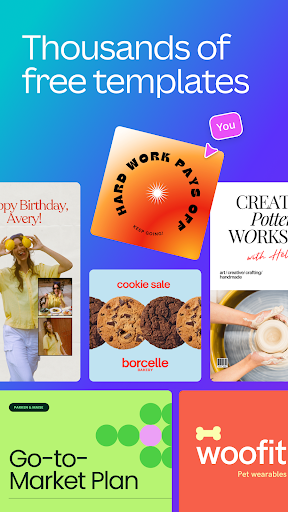
Canva’s trick is starting you anywhere except a blank page. Choose a format and a wall of finished layouts appears, most of them near enough to what you had in mind that the work becomes swapping the words and the photos. That single decision is why people with no design training keep it on the phone, next to the camera roll.
It fits small business owners, teachers, club secretaries and freelancers, anyone who needs a decent looking poster by this afternoon and no wish to learn typography on the way.
From a layout to a file you can send
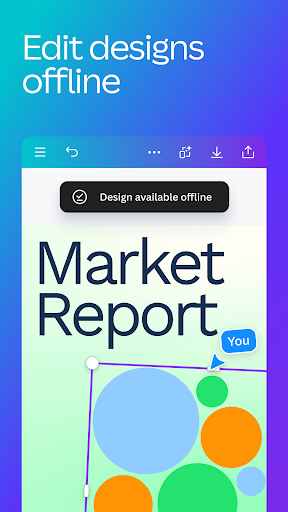
Pick a size, pick a layout, change the copy, drop your own photograph in, export. Templates load quickly and editing stays smooth for anything short of a heavily layered design. Text handling is the quiet strength, because you can swap a headline for a longer one and the layout mostly holds its shape.
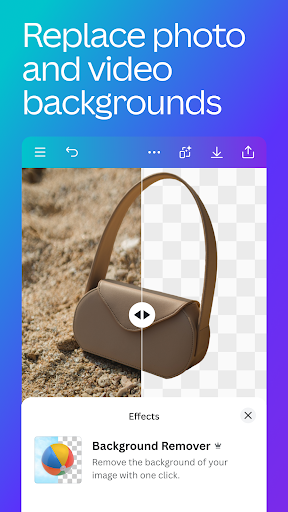
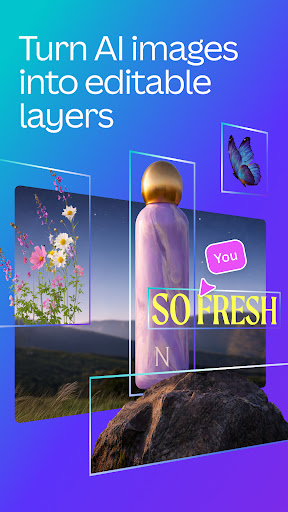
The AI half has worked its way into the ordinary flow rather than sitting in a novelty drawer. Describe a picture and it makes one. Ask it to cut a person out of a photograph and it follows the edge of the hair cleanly, which is exactly where these tools usually give up. Describe a change to part of an image and it makes a fair attempt. Brand kits keep colours and fonts steady when several people are making things that have to match.
Why people who cannot design stay
The library is the real asset, and the designs in it are usable rather than decorative filler. Plenty of tools ship templates nobody would put their name to. These mostly look like somebody competent made them.
There’s a second argument for a team. Stock photography, fonts and layout software used to arrive as separate bills, and folding them into one account is easy arithmetic.
Padlocks in the middle of the job
Here’s how the friction actually lands. You’re most of the way through a flyer, you scroll the font list, the one that finishes the thing has a Pro badge on it. Same with the element that fills the awkward corner. Background removal, which the rest of the category treats as ordinary, sits on the paid side as well. Nothing about it is dishonest, and the free allowance is fair for the category, but the drip of small refusals wears down someone who only wanted one flyer. On an older handset a busy design adds its own friction, with dragging that lags behind your finger.
Free for the odd job, paid once it becomes a habit
Make something once in a while and the free side is plenty, padlocks included. Make something most weeks and the subscription stops reading as an irritation. Either way this is still the shortest route from an idea to a finished graphic on a phone, and the current plans are set out on the Play listing.
From the Play Store listing
These figures come from the official Google Play listing and can change at any time. Check the current listing.
- Play rating
- 4.8 out of 5
- Ratings
- 25,897,776
- Installs
- 500,000,000+
- Developer
- Canva
- Category
- Art & Design
How those ratings split