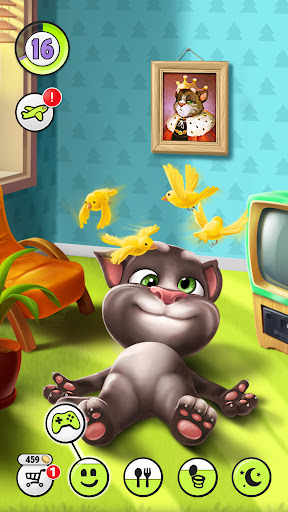
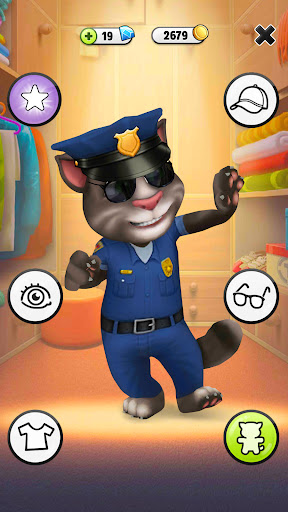
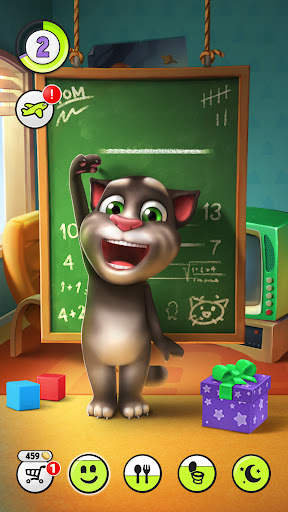
Say anything at all into the phone and Tom repeats it in a squeaky, pitched-up voice while pulling a face.
The cat who says it back to you
Children work that out almost immediately, and then they spend the next half hour saying increasingly silly things to a cartoon cat. That one mechanic is why this became a fixture on family phones, and it still carries the whole experience. It is for small children who like a character that answers back, and for the adults who need a quiet stretch.
Feed him, bathe him, put him to bed
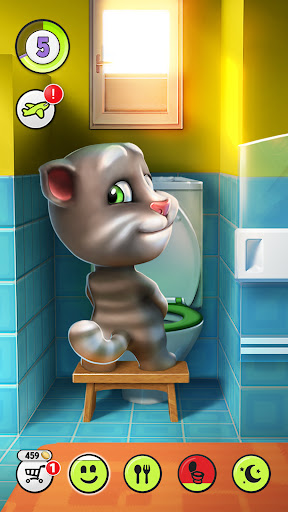
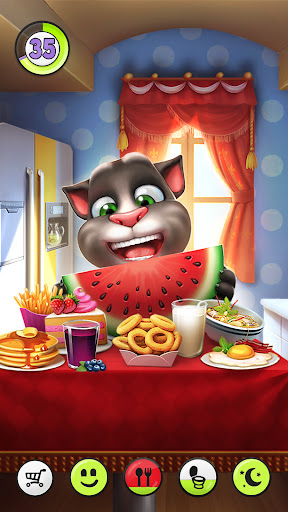
The care loop is deliberately obvious. Tom gets hungry, so you tap the fridge. He gets grubby, so you run the bath and scrub him. He gets tired, so you turn the lights off. No tutorial is required, because every action is a picture of the thing it does, and a child who cannot yet read can run the routine unaided.
Why the mimicry still works
Plenty of virtual pets react to taps. Very few react to a specific child’s own voice, and that difference is not small. Hearing your own sentence played back in a cat’s voice makes the interaction feel personal even though the trick underneath is purely mechanical.
Poking, tickling, and a small gentle stake
The exaggerated squashy animation on every reaction gives Tom the sense of being responsive rather than scripted, and leaving him alone for long enough really does let his condition collapse, which gives the habit just enough weight to matter to a five-year-old. Mini-games sit alongside to break the rhythm without adding anything a young player has to learn.
Adverts between the bath and the mini-game
The advert load is the friction parents raise, and the problem is what it interrupts. The whole point of this app is a soothing routine that a small child runs at their own pace, and a full-screen video landing between the bath and a mini-game breaks that in a way a child cannot navigate or dismiss confidently on their own. The purchase screens being visible to anyone tapping around is the related risk, and it means a purchase password before handover rather than after. The routine wearing thin for anyone older than the target age is not really a fault, since repetition is the design.
For a young child this hits its brief almost exactly. Set up purchase protection, accept that adverts will interrupt, and Tom earns his place on the home screen. Few casual apps this old still do their one trick as well.
From the Play Store listing
These figures come from the official Google Play listing and can change at any time. Check the current listing.
- Play rating
- 4.3 out of 5
- Ratings
- 17,415,977
- Installs
- 1,000,000,000+
- Developer
- Outfit7 Limited
- Category
- Casual
How those ratings split