Searching by map, booking by phone
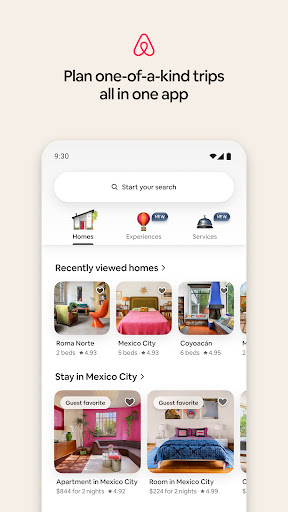
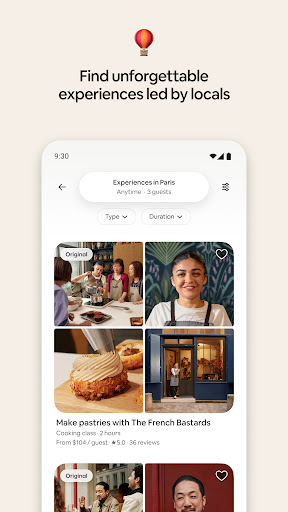
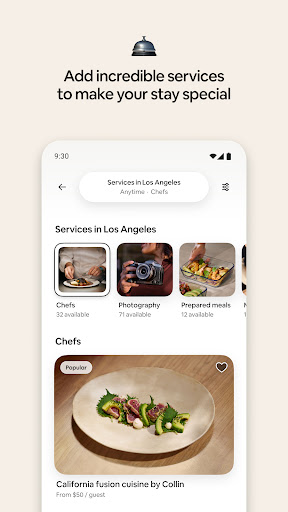
Airbnb’s Android app has to hold a lot at once, and mostly it holds it. Search, calendars, photo galleries, host messaging and payment all live in one shell, and the redesign that folded experiences and services in alongside places to stay doesn’t feel bolted on. The map is the strongest piece. Pan across a city you don’t know, watch prices move as you go, pull filters in without losing your place, and you get a feel for a neighbourhood that a column of thumbnails never gives you.
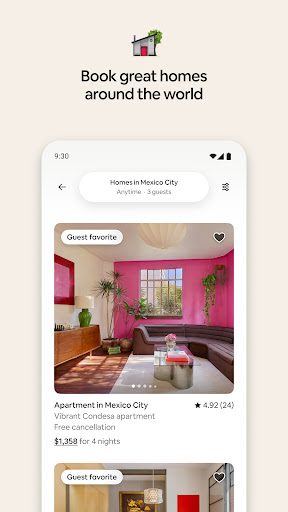
Listing pages carry enough photographs and enough of the house rules to judge a place properly rather than optimistically, and the calendar makes it obvious when a price jumped because of the dates you picked. Once you commit, the payment terms and the cancellation window sit where you can find them again, which matters far more than it sounds on the morning your plans change.
The bit that calms your nerves
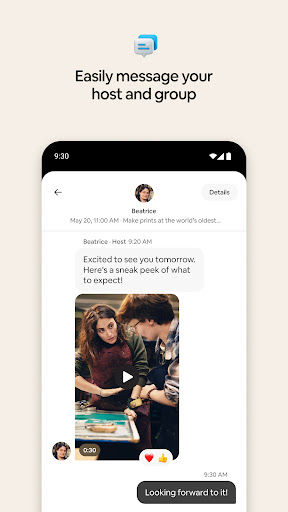
Host messaging sits right beside the booking it belongs to, so the thread explaining the key box is never three screens away. Confirmations are plain about what’s been paid and what hasn’t. The pre-trip itinerary tools gather check-in times, addresses and host notes into one page you can actually use while standing outside a strange door at night. For a service where every anxious moment comes down to whether the arrangement is real, that clarity does most of the work.
Fine until the signal drops
Here’s the gap that costs it points. The app assumes a live connection at all times, so pulling up a confirmed booking or rereading a saved listing with no data is clumsy at best. That’s an odd thing to skimp on in software built for people crossing borders, sitting on trains and landing in places where roaming is an expensive guess. Screenshot your check-in details before you fly and you route around it, but you shouldn’t have to.
The other two complaints are smaller. Support hides several taps deep, which only stings at the exact moment something has gone wrong, and promotional pushes about places near you build up until you go and switch them off.
Book ahead, keep your data on, and this is one of the better travel tools on Android, good enough that the friction lives at the edges rather than in the middle of the job. The Play listing has the current version and what changed in it.
From the Play Store listing
These figures come from the official Google Play listing and can change at any time. Check the current listing.
- Play rating
- 4.5 out of 5
- Ratings
- 1,924,743
- Installs
- 100,000,000+
- Developer
- Airbnb
- Category
- Travel & Local
How those ratings split