Landing in a city you don’t know
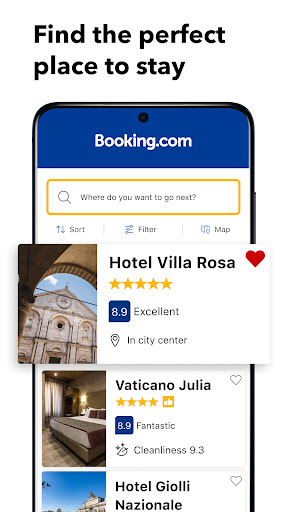
It’s late, you’re in an unfamiliar city with station Wi-Fi and a phone, and you need a bed within walking distance. Booking.com handles that better than most, mainly because the map browses quickly enough to judge whether a cheap room is cheap for a reason or cheap because it sits miles from anything you came for.
Filters that go where you need them
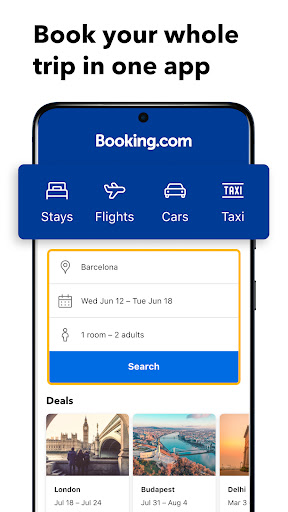
The filtering goes deep, which matters when the real difference between two properties is breakfast or air conditioning. Property pages carry enough photographs and enough verified guest feedback to decide without opening a browser, and guest scores are split by category, so a place that cleans beautifully but sits beside a motorway tells you so before you hand over a card. Hotels are the heart of it, with flights, car hire and attractions layered on, and whatever you book ends up collected in one place.
Inventory is the honest advantage
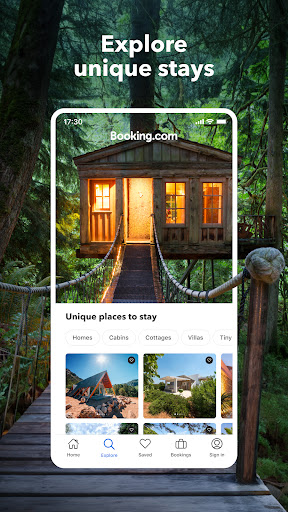
Small guesthouses, serviced apartments and chain hotels all show up in the same search, and in most cities that list runs longer than anywhere else you’d think to look. Depth on its own would just be noise, but the search actually narrows a long list down to a handful worth reading properly. That combination is why it stays on the phone after the trip is over.
The countdown that spoils the mood
The urgency messaging is what pulls the score down. Lines about the last room and about other people viewing right now appear whether or not the property is remotely busy, and travellers stopped believing them long ago. The damage isn’t the nudge itself, it’s what it does to everything around it. Once you’ve caught the app pressuring you with something you don’t trust, you start reading the rest of the page the same way, including the parts that are true, and this is an app asking for your card details.
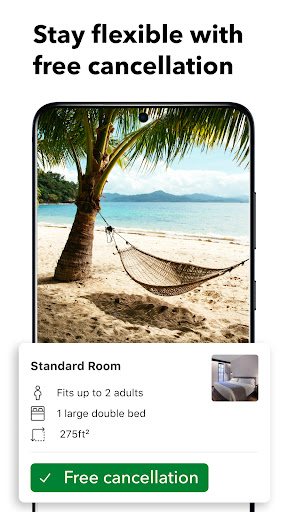
Cancellation terms deserve plainer presentation than they get, since that is the single condition people most need to understand before paying. Filter preferences also reset between sessions more often than they should, which turns a careful comparison into work you end up doing twice.
Tune out the theatre, read the cancellation line twice, and what’s left is one of the most capable travel apps on Android.
From the Play Store listing
These figures come from the official Google Play listing and can change at any time. Check the current listing.
- Play rating
- 4.8 out of 5
- Ratings
- 6,083,303
- Installs
- 500,000,000+
- Developer
- Booking.com Hotels & Vacation Rentals
- Category
- Travel & Local
How those ratings split