
The free editor question
What’s the catch on an editor this deep? CapCut hands over multi-track timeline editing, keyframe animation, speed ramping, chroma key and a large effects library without asking for money. The answer isn’t a hidden charge. It’s who owns the app and where your footage goes when you use the clever parts of it.
Cutting a clip from import to export
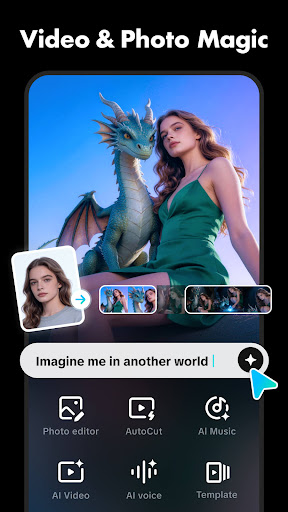
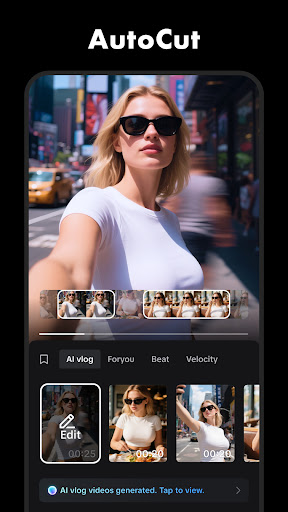
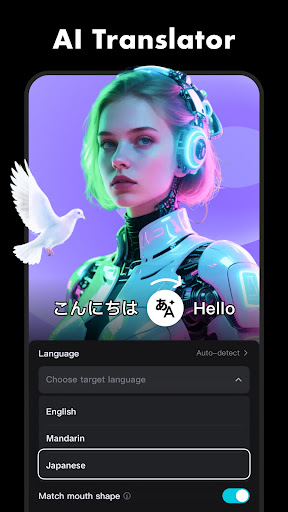
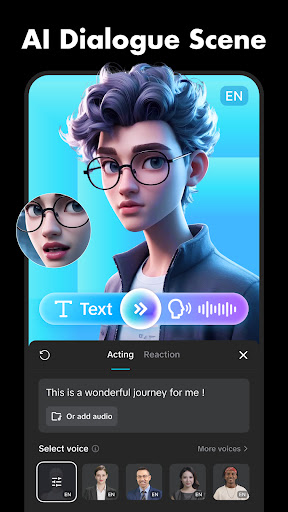
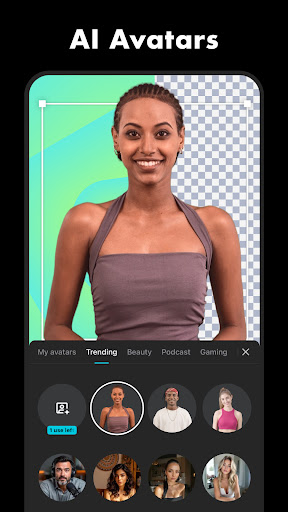
The flow is built for speed. Bring the clips in, trim on the timeline, stack an audio track under them, drop text on top, export at whatever shape the platform wants. Keyframes give real control over movement rather than a menu of canned moves, and chroma key copes with a cheap green sheet taped to a wall. Auto-captions transcribe what you said and lay the words out in time with your voice, which removes the most tedious job in short-form video, and the cutout tool handles people without chewing their fingers off.
Tools that normally sit behind a subscription
Feature against price, nothing else is close. The things rival editors charge a monthly fee for are simply here, and they’re finished rather than half wired in. For someone making videos with no budget at all, that removes nearly every technical excuse left.
Who owns it, and where the footage goes
The part to think about is the trade behind the price. Bytedance publishes it, and some people will not want a video tool from that developer on their phone, which is a position worth taking seriously rather than arguing with. The practical edge of it is concrete: several of the smartest tools, captions and the cutout among them, want you signed in and send the clip away to be processed rather than doing the work on the handset. So a client’s unreleased footage, or anything you’d rather nobody else held a copy of, leaves your device to get its subtitles. Reason enough to cut sensitive material elsewhere and keep this for the public stuff. Separately, the app pushes its own templates and whatever effect is climbing at the moment, which is how so much short-form video ends up looking identical.
Weigh the trade before you commit a project
The editing tools are excellent and they cost nothing, and the questions about ownership and cloud processing are real rather than theoretical. Decide which matters more for the project in front of you, because the answer changes with the material. If it’s holiday clips and jokes for friends, take the free lunch. Permissions and release notes sit on the Play listing.
From the Play Store listing
These figures come from the official Google Play listing and can change at any time. Check the current listing.
- Play rating
- 3.6 out of 5
- Ratings
- 12,821,564
- Installs
- 1,000,000,000+
- Developer
- Bytedance Pte. Ltd.
- Category
- Video Players & Editors
How those ratings split