Opening it because a recruiter replied
A notification arrives, somebody has answered about a role, and you open an app you’d otherwise happily never see again. That gap between why people use LinkedIn and how they feel about using it is the honest way into reviewing it. The network here is professional identity online, and nobody can afford to walk away from it, which lets the product get away with a great deal.
Jobs, messages, and a profile working while you sleep
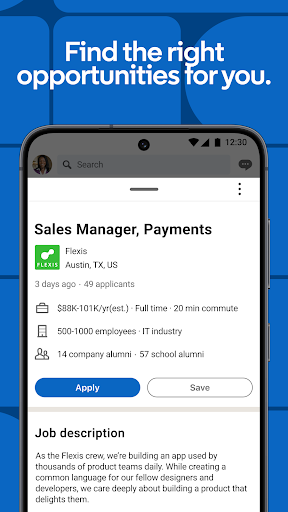
In practice the app gets used for three jobs. They check listings, where the filtering is decent and the application flow has improved to the point that you can see where a submission actually stands instead of guessing. They read and answer messages, still the most direct route to a person you have no email address for, and fast enough that a conversation can happen in real time. And occasionally they post something about their own career.
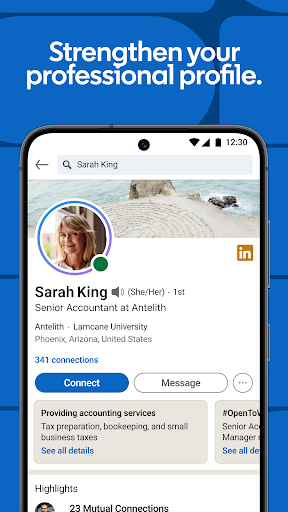
Underneath all that the profile does quiet work, surfacing when somebody looks you up before a call. Company pages and alumni lists are worth reading before an interview, and a saved search will tell you when a matching role appears without you going to look.
The graph is the whole asset
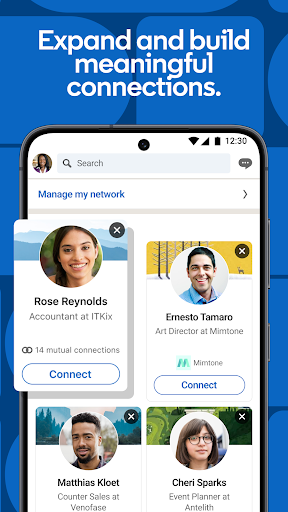
Recruiters are here. So are former colleagues, the person who ran your last team, and whoever is hiring at the company you’re curious about. A message lands in a context where answering is normal rather than intrusive, and that single property has no substitute at anything like this coverage. It’s why the app stays on phones belonging to people who complain about it every week.
A feed built to farm replies
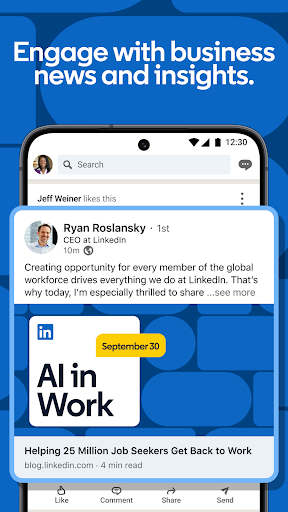
The feed is why the score sits where it does, and it’s degraded into something close to content farming. Congratulation carousels, ghostwritten leadership wisdom, posts that open with a one-line hook and a question engineered to pull comments out of you. Something professionally useful does pass through, but you’ll scroll a long way past other people’s performances to reach it, and the app is counting on you doing exactly that. Premium prompts turn up throughout, usually at the moment you’re trying to finish something. Resource use is heavier than the feature set warrants.
Use it as a job board, an inbox and a profile other people read, and it does those jobs properly. Use it as somewhere to spend an evening and it will happily take the evening. Turn off most of the notifications on your first day and the whole thing becomes considerably easier to live with.
From the Play Store listing
These figures come from the official Google Play listing and can change at any time. Check the current listing.
- Play rating
- 4.0 out of 5
- Ratings
- 3,467,560
- Installs
- 1,000,000,000+
- Developer
- Category
- Business
How those ratings split