
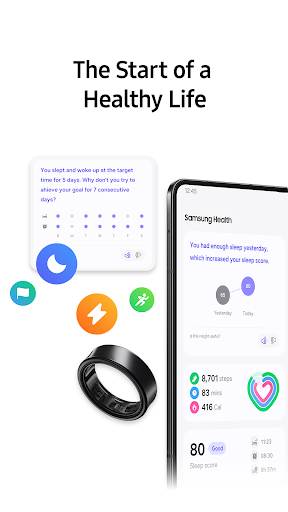
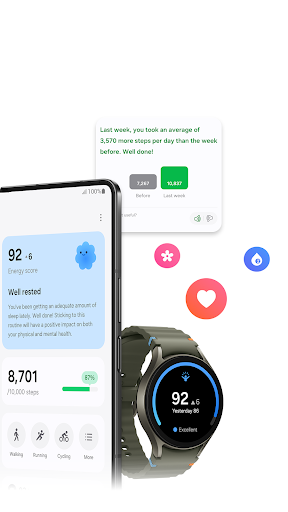
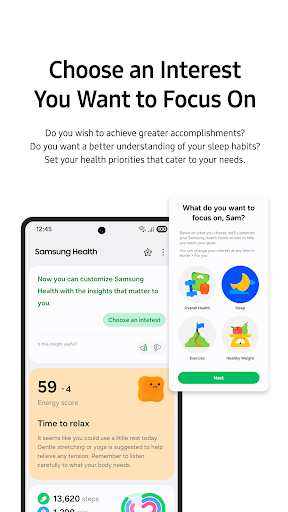
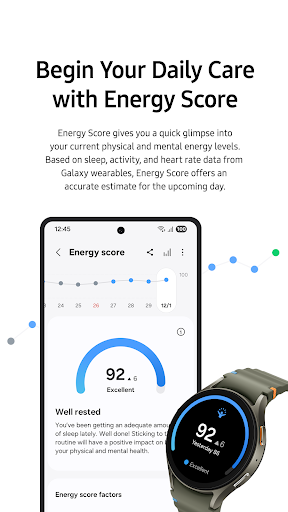
Already on the phone, designed for the watch
Samsung Health is sitting on a Galaxy phone before anyone decides they want it, and that arrangement explains almost everything people like and dislike about it. Paired with Samsung’s own hardware it behaves like a well made companion. On its own it behaves like a shell waiting for a sensor that never arrives, and the distance between those two experiences is wider than the app ever admits.
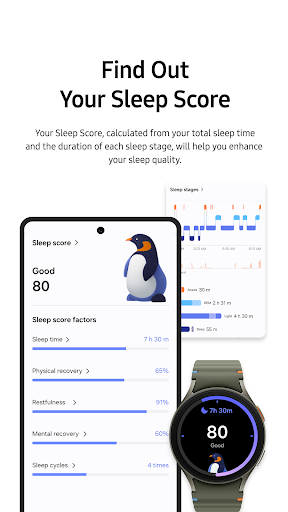
With a Galaxy Watch on your wrist, steps, heart rate, sleep stages and workouts arrive without configuration. There is no account to create, no permission dance, no pairing wizard, because the phone already knows who you are. The charts are clean and readable, sleep is presented as a shape rather than a table, and a finished run gives you a summary you might actually look at instead of a wall of figures. Food logging and weight tracking are there for anyone who wants the whole picture, and none of it asks for a subscription, which is not nothing in this category.
What the ecosystem actually buys you
The value is the join between the watch and the phone, and it is a good join. Data crosses over without a sync button, the visualisations are attractive, and the challenges with friends supply the kind of low-stakes nudge some people respond to. Samsung has clearly spent its effort where its own hardware is involved. For a household already carrying a Galaxy Watch and a Samsung scale, reaching past this for something else would be perverse, and the fact that it costs nothing extra is the quiet argument in its favour.
Take the hardware away and it hollows out
This is the reason the score lands where it does. Without Samsung’s own sensors the app falls back on the phone for step counting, and a phone left in a bag or face down on a desk is a poor pedometer, so the numbers drift and your trust in them drifts with them. Half the screens then read as prompts for hardware you do not own. A workout still logs, a weight still records, but the thing that made the presentation worth having, a steady stream of measured data arriving on its own, is gone, and what is left is a manual diary with a good chart engine bolted to it.
Getting your history back out afterwards is awkward, and the app asks for a broad set of access for something that counts steps. If you are weighing that up before committing years of health data to it, the permissions it requests are set out on the Play Store page linked below.
From the Play Store listing
These figures come from the official Google Play listing and can change at any time. Check the current listing.
- Play rating
- 3.3 out of 5
- Ratings
- 1,567,053
- Installs
- 1,000,000,000+
- Developer
- Samsung Electronics Co., Ltd.
- Category
- Health & Fitness
How those ratings split