What typing on Android usually means
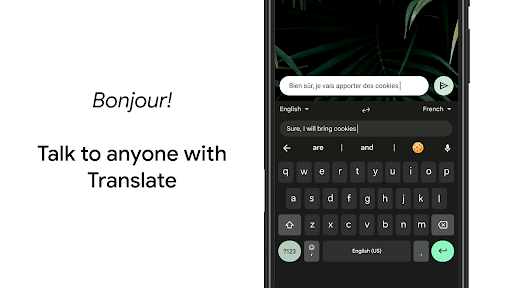
Most Android phones arrive with this keyboard already in place, so an enormous number of people use it without ever choosing it. Google has kept it broad rather than opinionated: it serves the person firing off messages one handed, the person switching between two languages mid sentence, and the person who would rather talk than type. The one group it serves badly is anyone who would prefer Google saw less of what they write.
Swiping, correcting, dictating
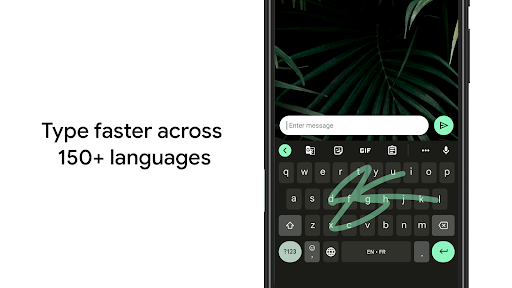
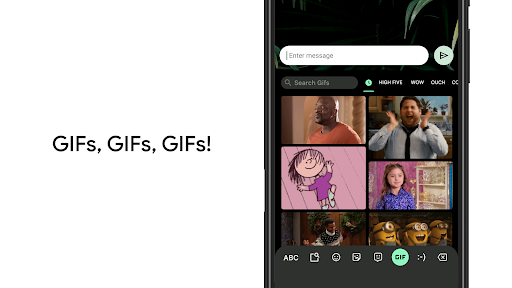
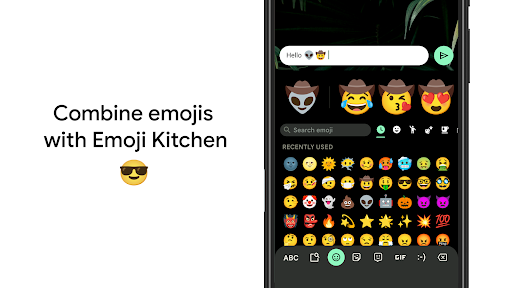
Swipe input is the everyday strength, tracing a word quickly and landing on the right one far more often than not. Autocorrect copes with mixed language typing better than rivals do, which matters enormously to bilingual users who are used to fighting a keyboard into submission. Emoji and GIF search sit one tap away and come back fast enough to use mid conversation. Voice typing runs on the device itself on supported hardware, so dictation still works with no connection at all.
The quiet extras
Clipboard history, one handed mode, a floating layout, and a search bar that answers a question without leaving the app you are typing in. None of it is advertised at you, and it is the sort of depth that only shows up on the day you need it.
The trade at the centre
Keystroke data goes to Google by default, and that is the honest pivot of the whole decision. If you have already accepted the wider relationship, nothing here shifts it. If you have not, the setting that turns off personalised suggestions also costs you some of the accuracy you came for, which is an uncomfortable trade rather than a fix. Customisation is thin as well, with theme and key sizing options running out quickly, and correction in lower resource languages feels undercooked next to English.
Excellent, if that trade suits you
Comfortable inside Google’s ecosystem, you will not find a better general purpose keyboard on Android, and the swipe accuracy alone carries it. Uncomfortable with where the keystrokes go, look at the offline alternatives instead, because no setting in here closes that gap fully.
From the Play Store listing
These figures come from the official Google Play listing and can change at any time. Check the current listing.
- Play rating
- 4.5 out of 5
- Ratings
- 18,676,657
- Installs
- 10,000,000,000+
- Developer
- Google LLC
- Category
- Tools
How those ratings split