A menu in an alphabet you can’t read
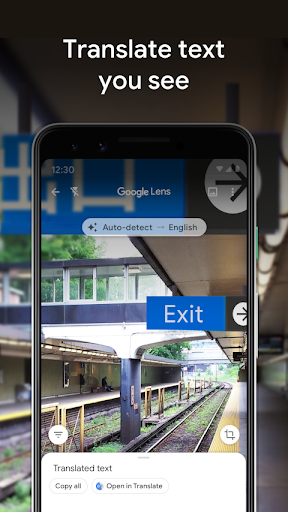
You’re outside a café abroad holding a menu you can’t read a word of. You hold the phone over it and the words turn into your own language inside the viewfinder, sitting roughly where they were printed, wobbling as your hand does. That’s Lens at its best. The camera stops being a way to take pictures and becomes a way to ask a question about whatever is in front of you.
Pointing it at the world
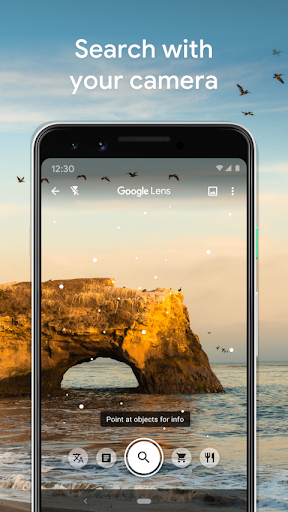
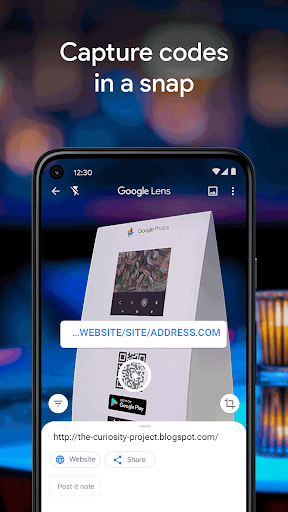
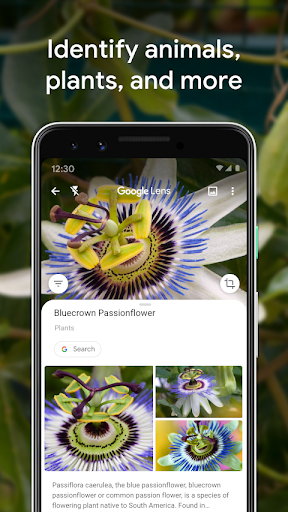
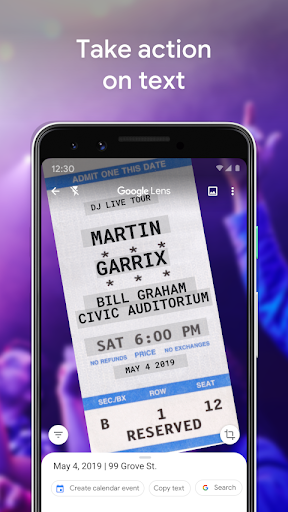
Text is the workhorse. Aim at a sign, a letter or a page from a book and you can translate it, copy it into a message, or search a phrase out of it. Identification handles plants, animals, landmarks, furniture and business cards, usually inside a second or two. Point it at a lamp you liked and it will find where that lamp is sold.
Very little of this needs the app opened on its own. It lives inside Google Photos and inside the camera on most Android phones, so it’s normally one tap from wherever you already are, and a screenshot from yesterday can be searched the same way as a live scene.
Why it earns its place on the phone
Recognition on everyday subjects is accurate enough to act on without checking somewhere else first, and live translation of signage changes what a trip feels like, turning an unreadable street into one you can walk down. Homework help, a conversion, the answer to what that switch on the wall does, all of it falls out of the same button. For something with almost no interface to learn, that’s a lot of value.
What to think about before you point it
The whole mechanism depends on sending what the camera sees to Google, and that deserves a thought before you hold it over a payslip or a letter from a lawyer. It isn’t a reason to avoid the app. It’s a reason to be deliberate about which pages you aim it at, and to reach for it happily on menus, plants and street signs while thinking twice about anything carrying your name and account details.
Two smaller things sit alongside. Cluttered or low-contrast scenes throw the object recognition off, and niche items tend to come back as places to buy the thing rather than facts about it. Neither dents what it’s for. Aimed at the ordinary world in decent light, this is one of the most useful tools on an Android phone.
From the Play Store listing
These figures come from the official Google Play listing and can change at any time. Check the current listing.
- Play rating
- 4.7 out of 5
- Ratings
- 2,846,738
- Installs
- 1,000,000,000+
- Developer
- Google LLC
- Category
- Tools
How those ratings split