
Why grade a photograph on a phone at all?
Is there a real case for it, or is this desktop software squeezed onto a screen too small for the job? There’s a case, and it’s a simple one. The phone is where the picture already is, and the alternative, waiting until you’re back at a desk, means most shots never get finished. Lightroom is what you reach for when the editor built into the gallery app stops being enough, when you’ve started caring about how an image is graded rather than which filter it landed on. Plenty of its users shoot on a proper camera and want the same controls in their pocket for the hour between the shoot and the train home.
RAW files, curves and nothing overwritten
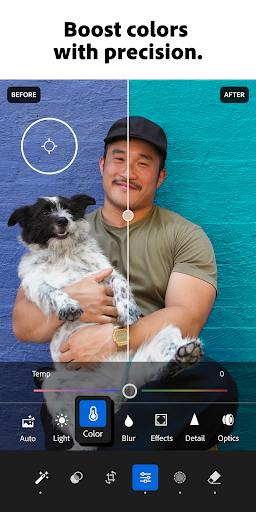
Every edit is non-destructive, so the original survives and any decision can be wound back long after you’ve forgotten making it. RAW files import and edit as RAW rather than being flattened on the way in, which is the difference between mobile editing being a stopgap and being a real part of a workflow. The colour work is the deep end: curves, colour mixing and tone controls that behave like their desktop equivalents instead of simplified stand-ins that run out of room the moment you push them. Editing history is kept per image, so comparing where a picture started against where it ended doesn’t mean keeping duplicate copies of it.
Continuity with the machine on your desk
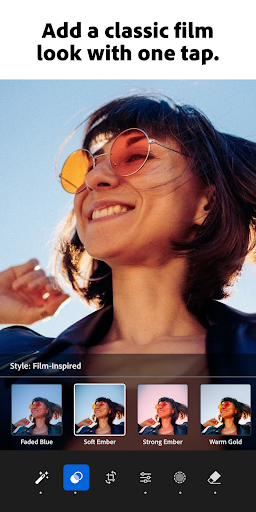
This is the part that keeps photographers here. Presets built at a computer sync across and apply on the phone in one tap, so the look you spent a winter developing is available on a station platform. Import from a camera, apply your own treatment, finish on the phone, and the file that comes out is the one your laptop would have produced. Nothing else on Android matches the grading tools, and nothing else closes that loop.
The paywall, and what it costs you
Subscription creep is what holds the score down, and the sting is where the boundary falls. The tools you reach for once you’re past beginner, masking and local adjustments above all, sit on the paid side, so the app teaches you to work a certain way and then stops you at the point where the work gets interesting. You brighten a face, want to hold back the sky behind it, and the button that would do it is a sales prompt. Adobe has tightened that line over recent years rather than loosened it, and the price is aimed at people who already pay for creative software, not at someone editing holiday pictures.
Performance is the smaller complaint, with mid-range hardware stuttering on large files, and the interface gets reshuffled often enough to disturb a settled routine.
If you edit photographs seriously, this is the one, and the free allowance is enough to find out whether you’d use the rest. If you want a quick tidy-up and a good filter, this is more app than the job needs and the paywall will only annoy you.
From the Play Store listing
These figures come from the official Google Play listing and can change at any time. Check the current listing.
- Play rating
- 4.5 out of 5
- Ratings
- 3,599,224
- Installs
- 100,000,000+
- Developer
- Adobe
- Category
- Photography
How those ratings split