
Cutting something down before the evening is over
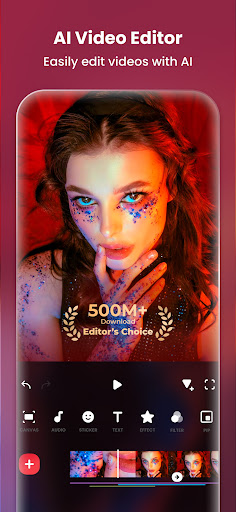
Why has this one outlasted every other phone editor people try first? The timeline explains most of it. Trimming, splitting, speed changes, transitions, text and music syncing sit a tap or two away from the clip rather than three menus deep, so a rough cut exists before you have worked out how the app is organised.
The parts that survive a second project
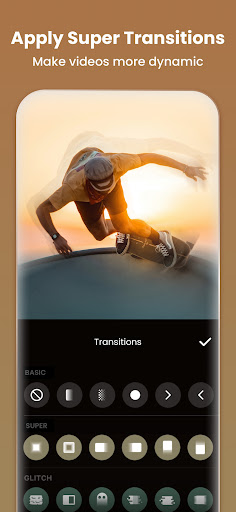
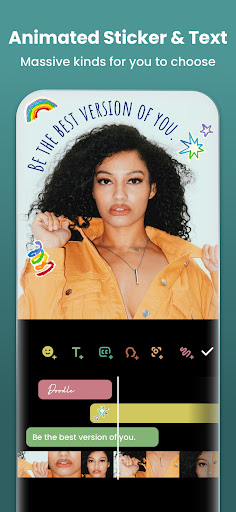
Aspect ratio handling is the quiet strength. Moving a piece between square, vertical and widescreen stays a late decision instead of a re-edit, and the canvas resize keeps your framing sensible rather than lopping the top off somebody’s head. Slow motion, reverse, stickers, filters and voice-over recording all sit where a beginner would look for them. Projects reopen later rather than flattening the moment you export, which is what saves you when a client asks for one small change to a finished cut. Export settings name resolution and frame rate plainly, so the file does not come back softer than the footage that went into it.
The watermark decides how you feel about the free tier
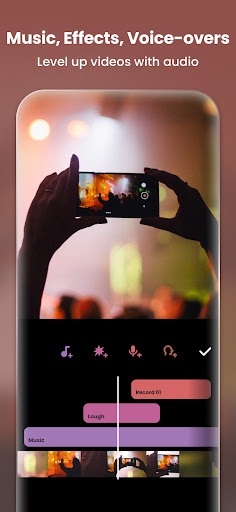
Everything you export without paying carries a badge in the corner, and it lands on the one thing you were going to post publicly. That is where free stops meaning free: you either accept a logo stamped on your own work or you subscribe before you can publish. Chroma key and the better transitions sit behind the same wall, and the music library inside the app is thin enough that most creators bring their own tracks, which drags a copyright question along with them.
Cheap to try, easy to justify once it becomes a habit
Edit now and again and the free version is fine, provided you can live with the corner. Make something weekly and the subscription clears the two things holding it back, and the editing underneath is good enough to deserve the money. Sort out where your audio comes from before you publish anywhere. The Play listing sets out what the paid plan covers.
From the Play Store listing
These figures come from the official Google Play listing and can change at any time. Check the current listing.
- Play rating
- 4.8 out of 5
- Ratings
- 24,321,550
- Installs
- 500,000,000+
- Developer
- InShot Video Editor
- Category
- Photography
How those ratings split