

An editor that never stopped bolting things on
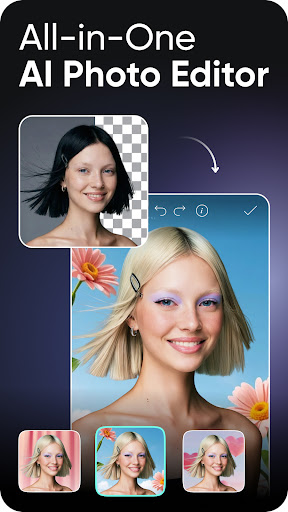
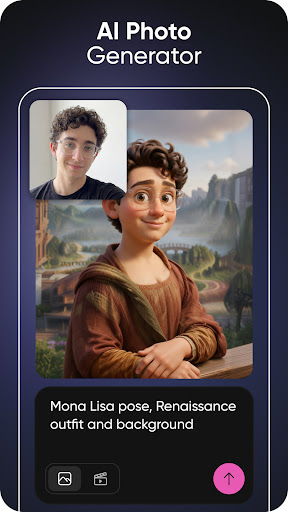
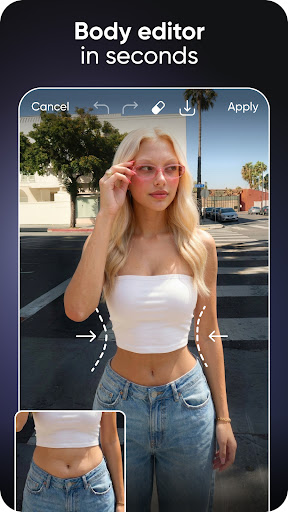
Picsart began as a photo editor and kept annexing neighbouring jobs: video trimming, collages, design templates, and now a whole wall of AI generation. The result can do almost anything to an image and still makes you hunt for the crop button.
The tools that earn their space
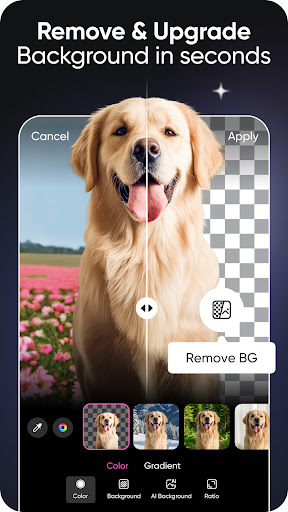
The AI ones are the draw and the best of them are very good. Background removal cuts cleanly around an ordinary subject, the object eraser can lift a stranger out of a holiday photo without leaving a smear behind them, and upscaling rescues pictures that were saved too small long ago. The everyday adjustments and filters are all present, the template sizes match what each social platform expects, and projects reopen for further editing instead of being flattened on export.
Being sold to while you work
Here’s the shape of a casual session now. You open a photo to straighten and share, tap an effect that looks right, and hit a gold badge. Back out, try the next one, hit the badge again. Pick a tool that is nominally free and the export carries a watermark anyway. The prompt to upgrade doesn’t wait politely until you’ve finished, it interrupts the middle of the job, and after a few of those, anybody editing one picture for fun has lost the thread entirely. That hollowing out of the free tier is what drags the score down, not the quality of the work the app is capable of.
Worth it only if you’re producing
Two smaller irritations sit alongside it. The account and data requirements reach further than a simple editor needs, and a social feed lives inside a tool that was opened to fix one photo.
Creators putting out a steady stream of work across formats will get their money back and appreciate having the breadth under one icon. Anyone who wanted to crop, brighten and send should reach for something smaller, because this is more app than the job asks for and it will keep asking for the subscription.
From the Play Store listing
These figures come from the official Google Play listing and can change at any time. Check the current listing.
- Play rating
- 4.0 out of 5
- Ratings
- 12,176,132
- Installs
- 1,000,000,000+
- Developer
- PicsArt, Inc.
- Category
- Photography
How those ratings split