The monthly bill on a password vault
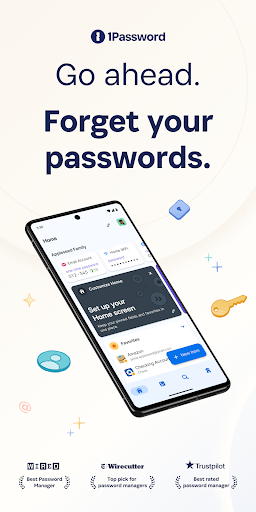
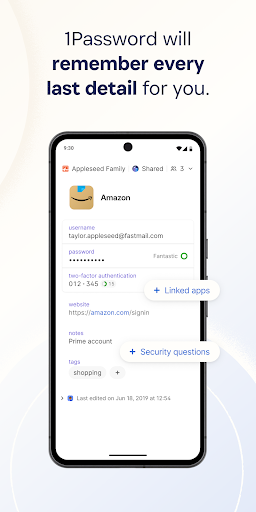
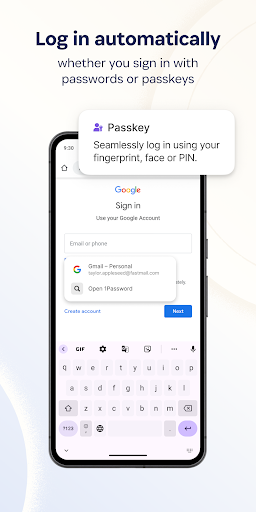
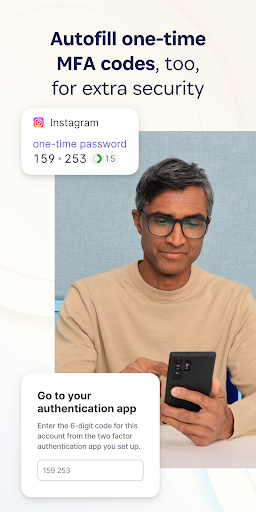
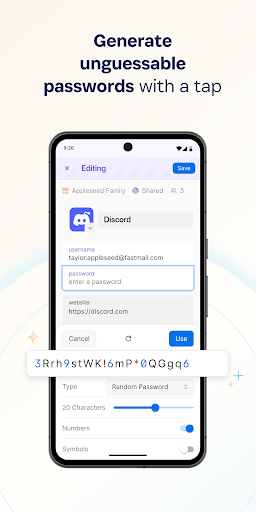
Does a vault for your logins really need a subscription attached to it? That question hangs over 1Password on Android, and it deserves an honest answer before anything else. AgileBits has built the tidy version of a password vault: logins, card details, identities and secure notes sorted into categories you can scan by eye, with a generator one tap away when a site demands something new. Autofill hooks into Android’s system service properly, so a sign-in screen inside another app gets offered the right entry instead of a shrug. Setup is guided, and afterwards the app mostly disappears, which is what you want from software whose job is to stop you thinking about passwords.
Travel Mode and why it exists
Then there’s the feature nobody else bothered to copy. Switch Travel Mode on and the vaults you choose leave the device completely, not tucked behind a hidden flag, so a phone handed over at a border has nothing on it to hand over. That’s a threat model, not a bullet point, and it tells you what sort of company wrote this. The audit history and the openly published architecture sit alongside it. Shared vaults are the other reason people stay, because a household or a small team splitting the cost makes the per-person sum look far more reasonable than one person paying alone.
Where the price bites
Which brings us to the sticking point, the one that pulls the score down. There’s no standalone licence any more and no free tier worth the name, just a trial that runs out and leaves you with a decision. For someone with a modest pile of logins and nobody to share a family plan with, that recurring cost is hard to defend when free alternatives cover the same core job perfectly well. The Android build also trails its iOS sibling now and then, with the odd feature arriving late.
So work out whether Travel Mode and shared vaults are things you’ll actually use. If they are, the polish earns the money. The Play button below has the current plan details.
From the Play Store listing
These figures come from the official Google Play listing and can change at any time. Check the current listing.
- Play rating
- 4.0 out of 5
- Ratings
- 18,677
- Installs
- 1,000,000+
- Developer
- AgileBits
- Category
- Productivity
How those ratings split



