Will the document open looking right?
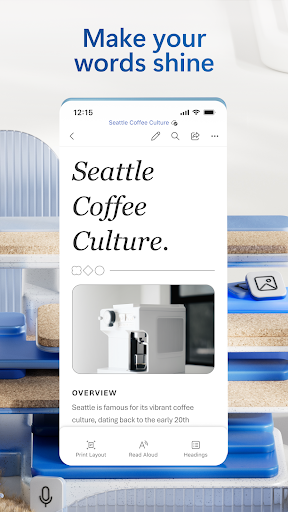
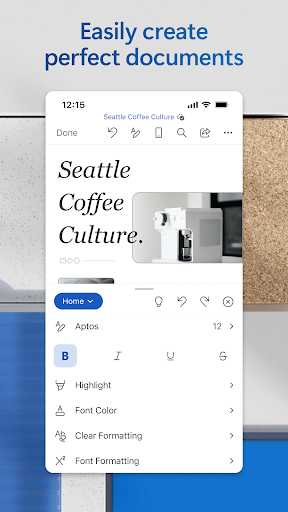
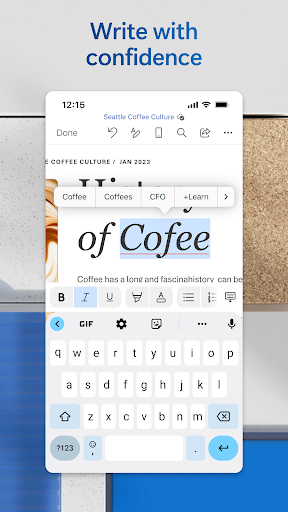
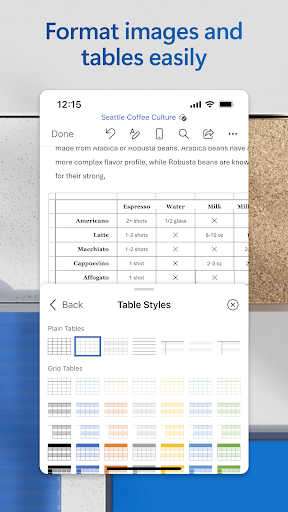
That’s the only question that matters for a mobile word processor, because the files people send you were made in Word and they’re expected back in one piece. This app answers it properly. Complex .docx files render with their styling, tables and layout intact, where lesser apps quietly rearrange a page and hand it back wrong. Fonts read comfortably at phone size, and the formatting controls go deep enough for real editing rather than typo repair.
Reviewing somebody else’s draft
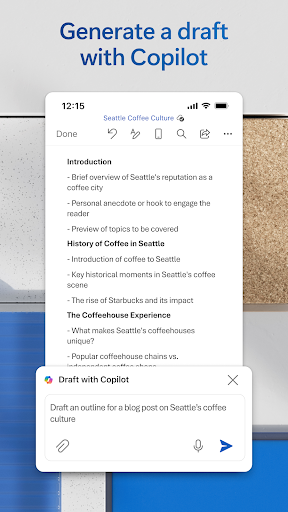
Tracked changes and comments work the way they do on a computer, so marking up a colleague’s chapter from the sofa is practical instead of theoretical. OneDrive keeps you on the current copy, which quietly removes the oldest failure in document work, two people editing two versions of the same thing. Grammar and spelling checks are sharper than the usual mobile fare, flagging what deserves flagging rather than underlining every third word. Headers, footnotes and numbered lists survive being edited on a touchscreen, which sounds dull until you’ve had another app renumber a contract for you. Dictation covers drafting away from a keyboard, and a finished file can go out as a PDF from inside the app. For anyone who works with formatted documents daily, that combination has no serious competition on Android.
The paywall arrives mid-task
The free tier is thinner than the store page suggests, and the way you find that out is the real problem. Reading and light edits are covered, so you start a job believing the app is free, get partway into restructuring a table or reaching for a formatting control, and meet a subscription prompt with the work half done. Nothing warned you at the start. That interruption, more than the price attached to it, is what drags the experience down, and a Microsoft account is effectively required before you even reach that point, which is friction for somebody who only wanted to read an attachment somebody sent them. Older hardware adds a separate drag, since a long document with tracked changes turned on slows scrolling to a crawl.
Pay for the subscription and most of the compromises disappear, leaving a word processor you can trust with anything. Don’t, and what you have is an excellent reader with a wall in the middle of it.
From the Play Store listing
These figures come from the official Google Play listing and can change at any time. Check the current listing.
- Play rating
- 4.8 out of 5
- Ratings
- 16,659,140
- Installs
- 1,000,000,000+
- Developer
- Microsoft Corporation
- Category
- Productivity
How those ratings split