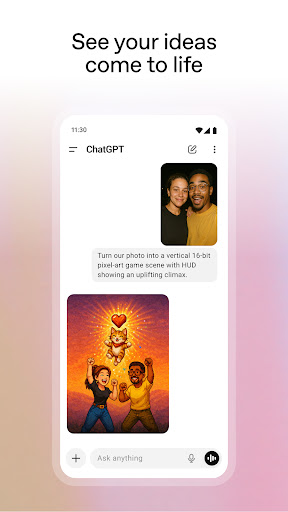
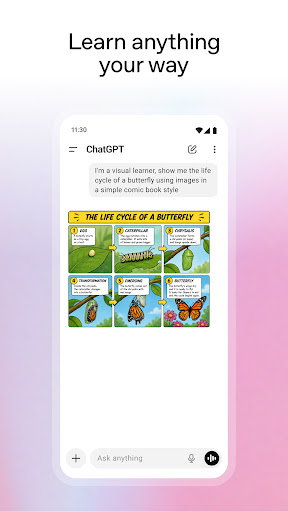
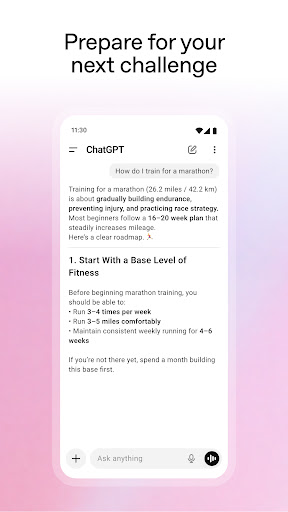
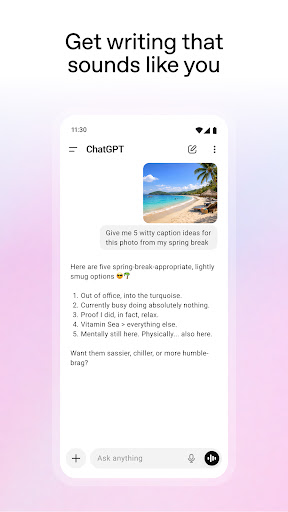
No setup, no manual, just a text box
OpenAI’s Android app asks nothing of you before it’s useful. Open it, type a question, read an answer. There’s no account to configure before the first reply, no settings tour, no vocabulary to learn. For a piece of software this capable, the absence of ceremony is half of why it took hold.
The jobs people actually give it
Reshaping text is the everyday work: the email that came out sharper than you meant, a long document pasted in for a summary, a first pass at something you were always going to rewrite. Short code and the debugging around it fit the same shape. Explaining is the other half, taking something written for specialists and saying it again in words you can use.
Talking to it while you walk
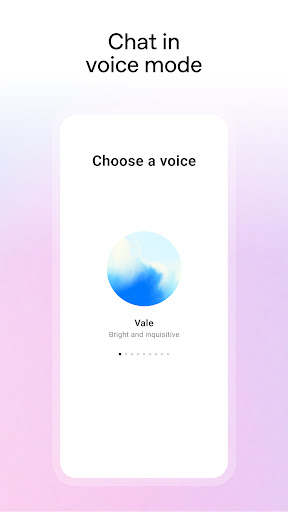
Voice mode is the part that surprises people. Spoken conversation runs close enough to talking that you stop composing sentences in your head first, and it holds up while you’re moving about the house or on a walk. Conversations keep their thread across many turns and long pasted material too, so you refine what you’ve got instead of starting over.
Why the breadth counts
One app covers drafting, analysis, explanation, code and speech with no configuration between them. Plenty of powerful tools ship as something only their authors can drive. This one is legible to a person who has never thought about how any of it works, and that ordinariness is the achievement.
It is wrong in the voice it uses when it’s right
Here’s the failure that matters. Ask for a figure buried in a report you pasted, and if the report doesn’t contain it, you can still get a confident, plausible, completely invented one, delivered in exactly the tone it uses for things it knows. Nothing in the interface flinches. No hedge appears, no colour changes, no prompt suggests checking. That’s fine when you’re drafting a birthday message and expensive when it’s a dosage, a clause or a number going into work somebody will act on. The free side has its own ceiling, with busy periods bringing limits and a quiet drop to an older model, while the better features want a paid plan.
A drafting tool, not an oracle
Used as a fast writer and explainer with a human checking the output, this is the strongest assistant on the platform and the voice mode alone earns its place on a phone. Lean on it as a source of truth and it will embarrass you eventually, and the app will not be the thing that warns you.
From the Play Store listing
These figures come from the official Google Play listing and can change at any time. Check the current listing.
- Play rating
- 4.8 out of 5
- Ratings
- 50,423,418
- Installs
- 1,000,000,000+
- Developer
- OpenAI
- Category
- Productivity
How those ratings split