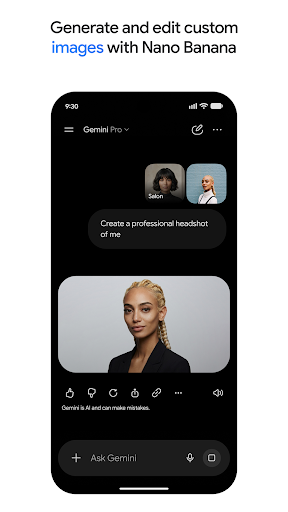
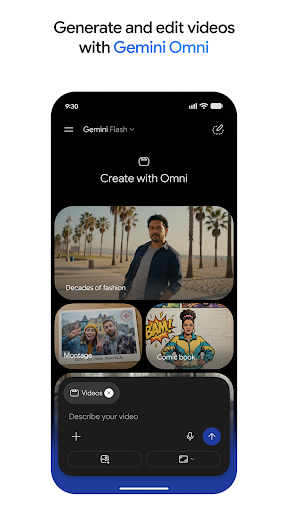
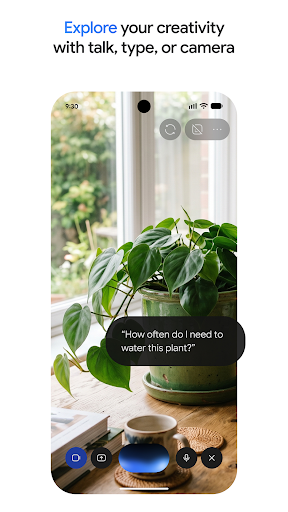
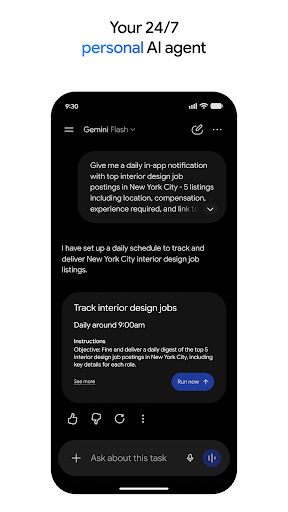
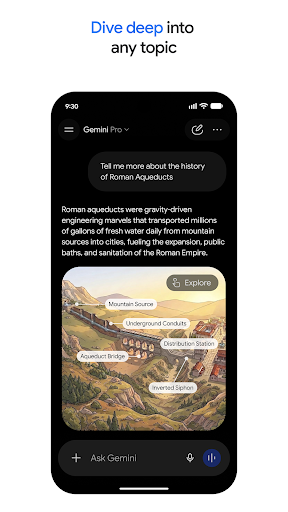
An assistant that already knows your account
Gemini’s argument isn’t the model, it’s the wiring. The person it’s built for keeps mail, documents, a calendar and a search history with Google already, and the assistant can reach every one of them. Ask what happened this morning and it goes and looks. Ask what your own file said and it opens the file. An assistant working purely from training data starts two steps behind on both kinds of question, and that gap is the honest reason to try this one first on an Android phone.
Typing, showing, talking
Ordinary conversation is the baseline, and drafting, explaining and summarising all land where you’d expect them to. The interesting part is everything that reaches outwards. Live results through Search keep answers about today’s events actually current. Access to Docs and Drive turns a vague question about your own material into a specific answer with the source named.
Multimodal input is built in rather than bolted on. Photograph a broken appliance and ask what the part is called. Talk instead of typing when your hands are busy, and it holds the thread well enough that you can interrupt yourself and change the question halfway through. Handing it a screenshot and asking what a setting does is the sort of small task it handles without fuss, and those small tasks add up faster than the headline demonstrations do. Answers can be stretched, shortened or rewritten in a different register without retyping the request, and old conversations stay where you left them.
Where the answers thin out
Push it onto a hard, multi-step problem and the quality drops away. Give it a planning task with several conflicting requirements and you often get a tidy restatement of the requirements back instead of a decision, followed by a note that it depends on your priorities. That hedge is the pattern to watch for. At exactly the moment a direct answer would be worth something, the tone turns cautious and general, and you end up doing the thinking you asked it to do.
Coding help is serviceable rather than class-leading, the free tier has a real ceiling once you lean on it, and the app is slower to open than first-party Google software has any business being. Even so, for everyday questions on Android the integration matters more than raw reasoning power. Try it first, compare it against the alternatives for anything hard, and check the current plans on the Play listing below.
From the Play Store listing
These figures come from the official Google Play listing and can change at any time. Check the current listing.
- Play rating
- 4.6 out of 5
- Ratings
- 38,299,819
- Installs
- 1,000,000,000+
- Developer
- Google LLC
- Category
- Productivity
How those ratings split