
What happens when the phone goes in the river?
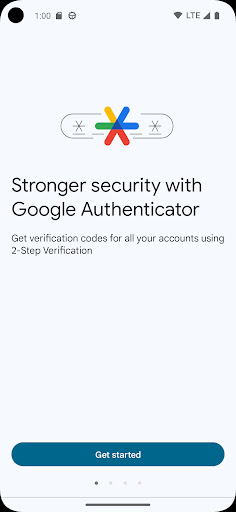
That question is the whole history of this app. It generates the short rotating codes standing between your accounts and anybody holding your password, and for a long stretch it did that and nothing else, including nothing to protect you from losing the handset it lived on.
Adding an account
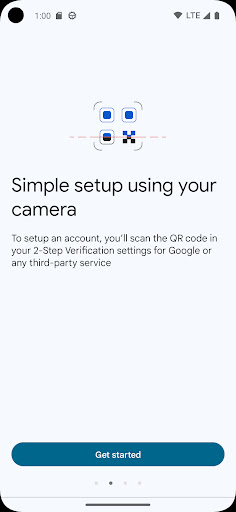
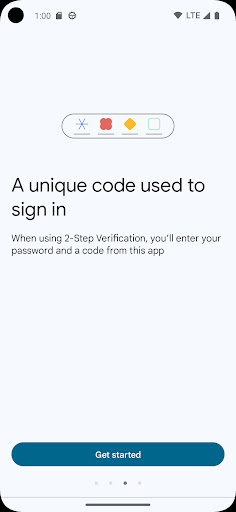
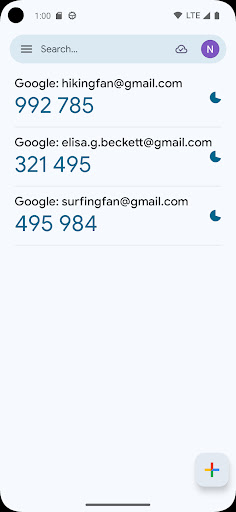
Setup is scanning the square a website puts on screen. The entry lands in a list with a timer ticking beside it, codes refresh on the usual cycle, and a tap copies one. It works with any service using the standard scheme rather than only Google’s own, so one app covers the lot.
The virtue of being dull
A tool guarding access to your accounts should be small, fast and boring. This one opens instantly, asks for almost nothing in the way of permissions, carries no advertising and puts nothing in the interface competing for your attention. In a category stuffed with apps that want more from you, restraint counts as a feature.
Backup, at last
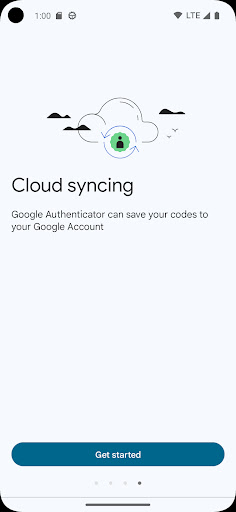
Account sync now copies entries somewhere they survive the phone. Replacing a handset stops meaning rebuilding every second factor from scratch, and it is the single change that moves this from risky to sensible. Switch it on the day you set the app up, not the week you drop your phone down a drain.
Why the score is middling
The backup arrived late, and the people it arrived too late for are the ones who wrote the reviews. Losing a phone with no separately saved recovery codes meant losing every token on it, then arguing with support desks to prove that accounts were yours, which is a ruined afternoon per account and sometimes worse. That history sits underneath the score and no update erases it.
Organisation is the other gap: once the list runs long, a flat column with no grouping and no search gets tiresome, and getting your entries out to another app is more awkward than it ought to be.
Dependable, if not the best in the field
Turn on the backup and this will churn out codes for years without ever bothering you. Other free authenticators handle a long list more gracefully and let you move it elsewhere with less fuss. Familiarity and the Google account tie are the honest reasons to choose this one, and for plenty of people that is reason enough.
From the Play Store listing
These figures come from the official Google Play listing and can change at any time. Check the current listing.
- Play rating
- 3.8 out of 5
- Ratings
- 666,020
- Installs
- 100,000,000+
- Developer
- Google LLC
- Category
- Tools
How those ratings split