Fixing a sentence from a bus seat
Can a phone really be a word processor? Not for everything, and Docs on Android never pretends otherwise. What it’s built for is keeping a document moving while the person responsible for it is on a bus, in a corridor, or five minutes away from a meeting. The people it serves already sit inside Google Workspace: teams drafting together, students sharing coursework, anyone who needs one sentence fixed before somebody else presents it.
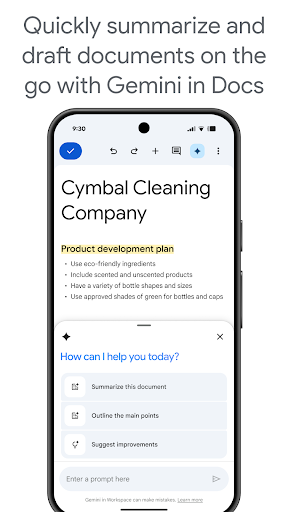
Drafting, replying, dictating
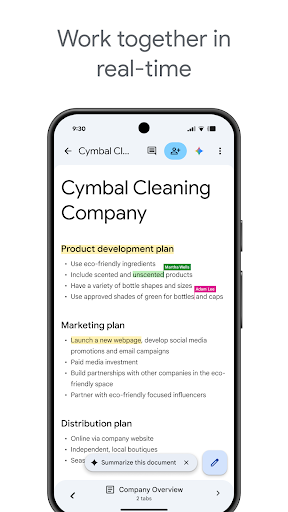
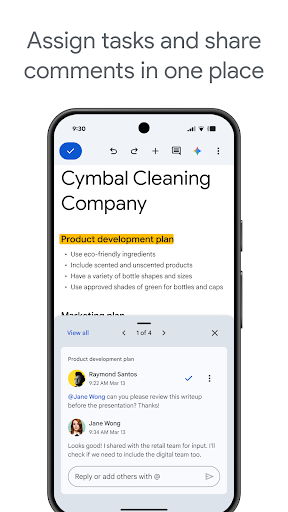
Multi-person editing carries over to mobile properly. Cursors, comments and suggestion mode behave the way they do in a browser, so two people typing into the same paragraph is an ordinary state rather than a risk, and nobody walks away holding a conflicting copy. Version history is waiting when a section disappears that shouldn’t have, and the person who removed it is named next to the change, which settles an argument faster than a thread of messages does.
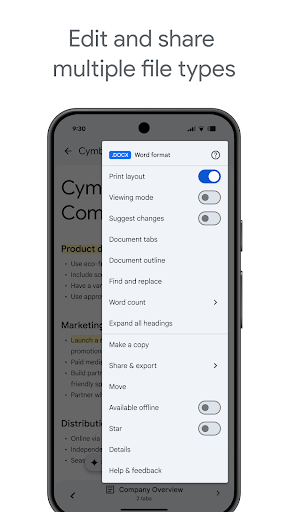
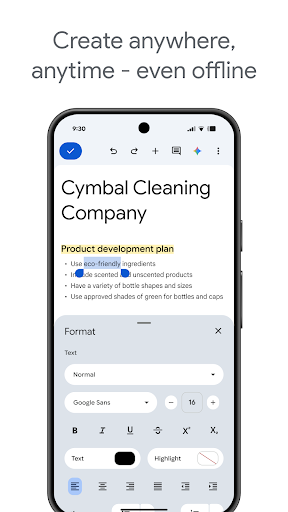
Offline editing covers most of what people actually need, provided the file has been opened once on a connection first. Voice typing through Gboard is the piece worth staying for, accurate enough to dictate a paragraph while walking and tidy it afterwards. Plenty of phone time here isn’t writing at all, it’s reading a comment thread and answering it, and that path is fast.
Where fingers lose to a keyboard
Formatting is the wall, and you meet it quickly. A table with merged cells is the clearest case: select one cell, drag a column edge, then try to put the row height back where it was. The handles sit close enough together that the wrong one moves, and every correction costs another two taps. Documents built with heavy styling on a desktop can come back looking slightly off here too, so this is a poor place for a final layout check.
Those are limits of editing on glass rather than errors in the build. Write, comment and review on the phone, save the layout work for a keyboard, and it won’t let you down. Workspace users can pick up the current release from the Play button below.
From the Play Store listing
These figures come from the official Google Play listing and can change at any time. Check the current listing.
- Play rating
- 4.7 out of 5
- Ratings
- 2,569,923
- Installs
- 1,000,000,000+
- Developer
- Google LLC
- Category
- Productivity
How those ratings split



