
The tracker that needs one figure changed
You’re outside a meeting room with a few minutes spare and a shared budget file that has one wrong figure in it. That’s the moment Sheets on Android was built for. Its natural users already live in Google Workspace: someone nudging a shared tracker between calls, a team where three people own three different columns, a person who only needs to read a value out of a file somebody else built.
Formulas, filters and the shared file
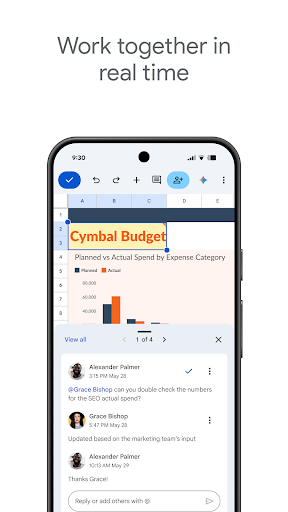
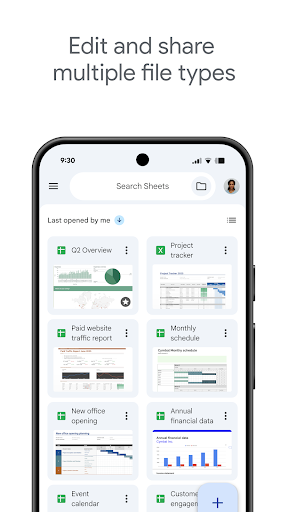
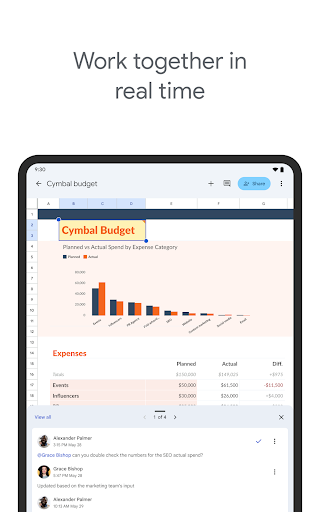
Data entry behaves itself. Formula support is broad enough for ordinary work, filters and sorting hold, and a sheet built on a laptop opens looking like itself. The collaboration layer survives the move to a small screen intact: several people typing at once, comment threads pinned to a particular cell, and version history deep enough to recover whatever a colleague overwrote this morning.
Why the shared editing carries it
Reviewing and making a targeted change is where this earns its score. Find the row that matters, change it, leave a comment explaining why, and the edit is on everyone else’s screen before the phone is back in your pocket. For a team spread across offices that round trip is the entire point, and it’s dependable.
Cramped cells, missing depth
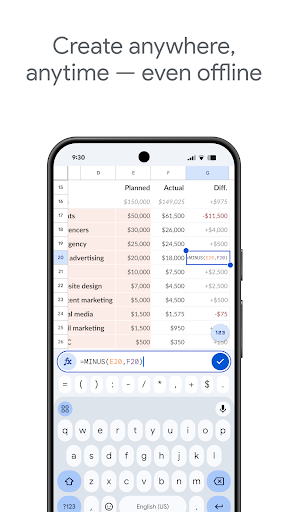
Authoring anything complicated is the weak spot, and it’s the reason the score stops where it does. Write a nested formula here and you’ll spend longer hunting a misplaced bracket in that narrow bar than you spent working out the logic, because the whole expression won’t fit in view and tapping the exact cell you meant rarely works first time. The advanced end, pivot tables in particular, is cut down against what the browser gives you, so serious modelling isn’t on the table. A tablet helps a great deal, since the extra room makes range selection and formula editing manageable rather than fiddly.
Bring it for the last edit
Use it on spreadsheets that were built elsewhere and it does that job properly. Try to build the model itself here and touch input will beat you quickly. The Play listing shows the current release and what signing in with a Workspace account unlocks.
From the Play Store listing
These figures come from the official Google Play listing and can change at any time. Check the current listing.
- Play rating
- 4.8 out of 5
- Ratings
- 2,176,068
- Installs
- 1,000,000,000+
- Developer
- Google LLC
- Category
- Productivity
How those ratings split



