
The recommendation that stopped being automatic
LastPass used to be the answer when somebody asked which password manager to pick. The idea it sells is unchanged and still correct: one strong master password guarding a vault that remembers everything else, so you stop reusing one password across your whole life. What’s changed is whether this is the vault you should hand that job to, and anyone choosing today deserves the reasoning before they start.
Autofill, sharing and a familiar vault
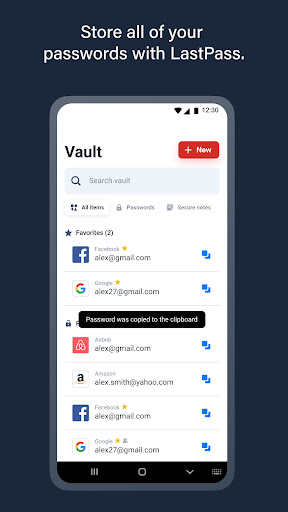
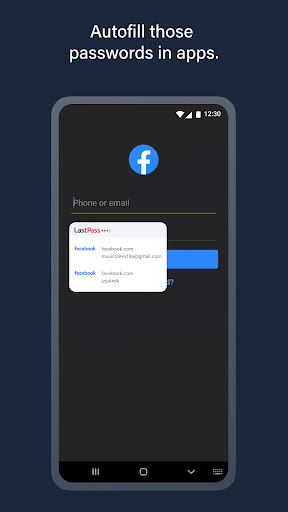
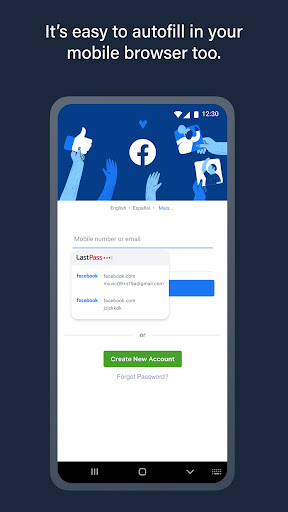
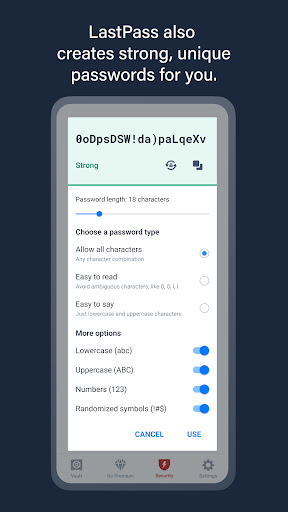
The Android integration is solid. Credentials drop into apps and browsers without much ceremony, and the vault stays navigable when it holds a lot of logins rather than becoming a wall of text. Password generation, form filling for addresses and cards, and alerts about exposed credentials all behave the way a mature product should. Secure sharing and emergency access earn their place in families, letting a partner reach the accounts that matter if something happens to you. Because so many people have used it, an odd behaviour usually has a written answer somewhere, which saves an evening now and then.
Trust is the product here
A password manager is a trust product before it’s a software product, and that’s where this one comes apart. The company let encrypted vault material fall into the hands of attackers, then handed out the detail slowly and in pieces over months afterwards. Think about what that means in practice for a user: you can’t undo it. Every login that sat in that vault was potentially copied, and the only thing standing between a stolen copy and your accounts is the strength of the master password you chose years ago, probably in a hurry. The right response was to rotate the important credentials and to decide whether the same custodian should hold the next set. Plenty of people worked that out and left.
On top of that the free tier now covers a single device, which removed the reason most casual users were here in the first place. The interface is dated in places too, though that’s a footnote next to the rest.
Existing users with a strong master password aren’t in immediate danger and may reasonably stay put. Sending someone new here is a different matter, and it’s hard to justify when the alternatives ask for the same money or less and carry none of the history.
From the Play Store listing
These figures come from the official Google Play listing and can change at any time. Check the current listing.
- Play rating
- 3.7 out of 5
- Ratings
- 235,636
- Installs
- 10,000,000+
- Developer
- LastPass US LP
- Category
- Productivity
How those ratings split



