
Storage that arrives with the subscription
Most of OneDrive’s audience never chose it. It came bundled with Microsoft 365, or with an employer’s Office setup, or with a laptop that asked once and never asked again. That isn’t an insult, plenty of good software gets adopted that way, but it shapes the judgement, because this has to be measured against a rival already sitting on the same Android phone.
Backup, documents and the Vault
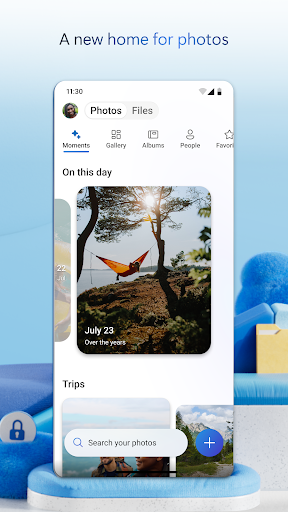
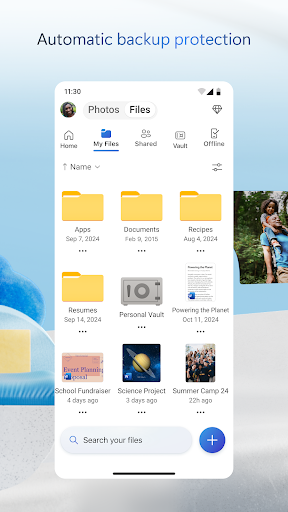
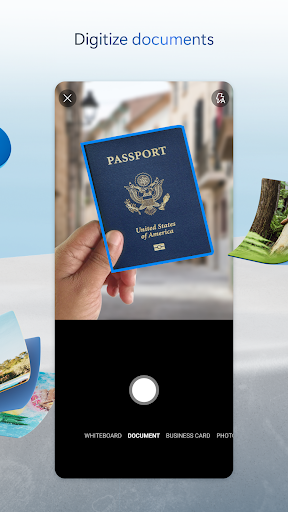
Photo backup runs in the background and keeps running, which is the feature most personal users care about and the one they only notice when it stops. The Office tie-in is the real substance though. A document opens straight out of storage into Word or Excel with no download step in between, shared workspaces hold collaborative files in one spot, and nobody has to email versions of anything to anybody. Personal Vault is the distinctive extra, a separately locked area for passports, certificates and the scans you’d rather weren’t visible if somebody picked up your phone while it was unlocked. Offline files, expiring share links and a recycle bin that really does hold deleted items fill in the rest.
The case for keeping files here
Inside Microsoft 365 the argument makes itself. Documents, storage and collaboration sit in one consistent place, which removes a whole category of small daily friction: no hunting for the newest copy, no wondering whether the file on the phone is the one the meeting is about. The Vault has no direct equivalent in the obvious alternative, and for the handful of documents that need that treatment, it counts for more than headline capacity does.
Waiting for a folder to open
Speed is where the score comes from. Open a large tree and you wait, longer than the competing app takes on the same connection, and the wait repeats at every level you tap into. Going three folders deep after a scanned receipt is a stack of small pauses, each one short enough to shrug at and collectively enough that you reach for something else next time. Navigation piles on, because My Files, Shared and the recent list aren’t cleanly divided, so people go hunting for a document they were looking at yesterday. Extra capacity beyond the free allowance only comes bundled into Microsoft 365 plans rather than sold on its own terms, and the app sits further from Android’s own sharing sheet than the alternative does.
Which camp you fall into
This is close to a binary decision. If the subscription is already paid for, and Word and Outlook are where work happens, OneDrive is the natural home for the files and the sluggish folders are a tax worth paying for the coherence. If none of that applies, the argument thins out fast. The photo backup is fine, the Vault is a nice idea, and neither outweighs a faster default that’s already on the phone. Nothing here is broken. It just doesn’t do enough to change anybody’s mind.
From the Play Store listing
These figures come from the official Google Play listing and can change at any time. Check the current listing.
- Play rating
- 4.6 out of 5
- Ratings
- 7,132,926
- Installs
- 5,000,000,000+
- Developer
- Microsoft Corporation
- Category
- Productivity
How those ratings split



